Schulte table meaning and a little history
The table is named after Walter Schulte, a German psychiatrist, and some sites call it the Schulte grid. He was born in Frankfurt in 1910 and trained under Hans Berger, the inventor of the EEG. In 1960 he became a professor at Tübingen, and from 1962 he led the university nerve clinic there until he died in 1972.
The first table has no known date, though around 1960 is the common estimate. The Schulte table test was used to measure attention, and testers counted skipped numbers as well as time. A fast table with gaps wasn't a good result. This game still records both your time and every wrong tap.
Rules and how to play
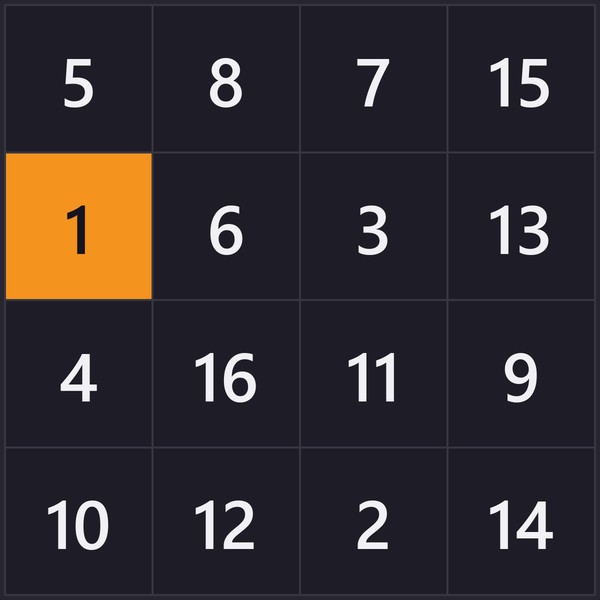
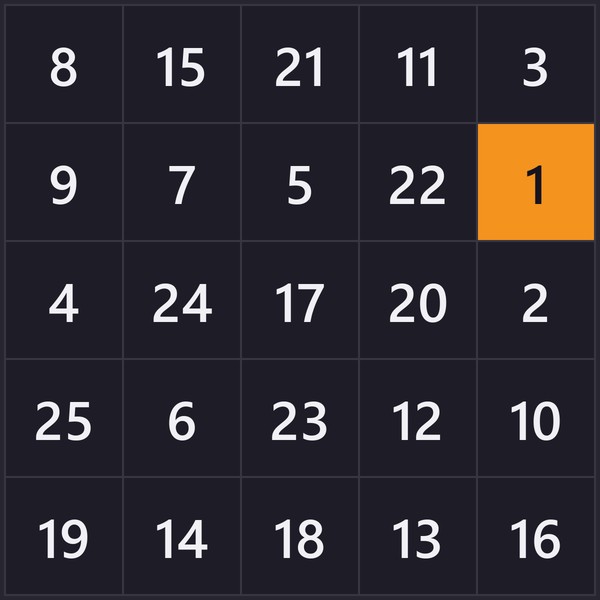
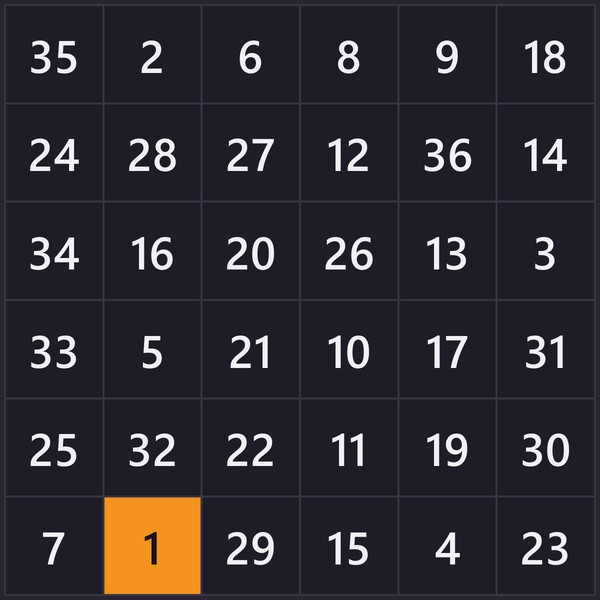
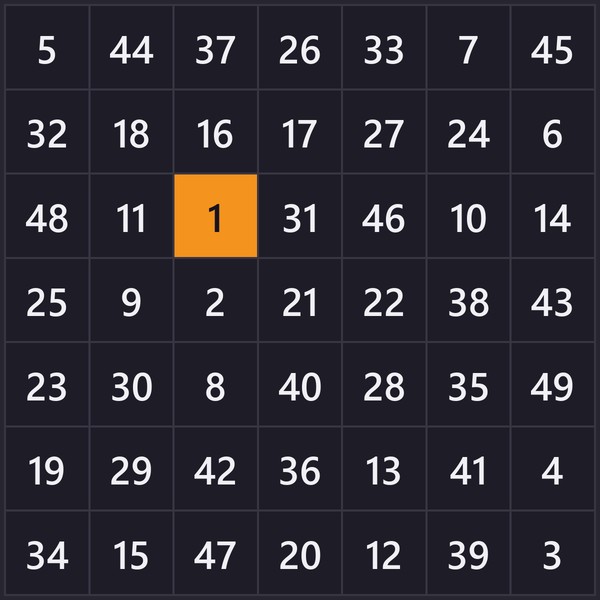
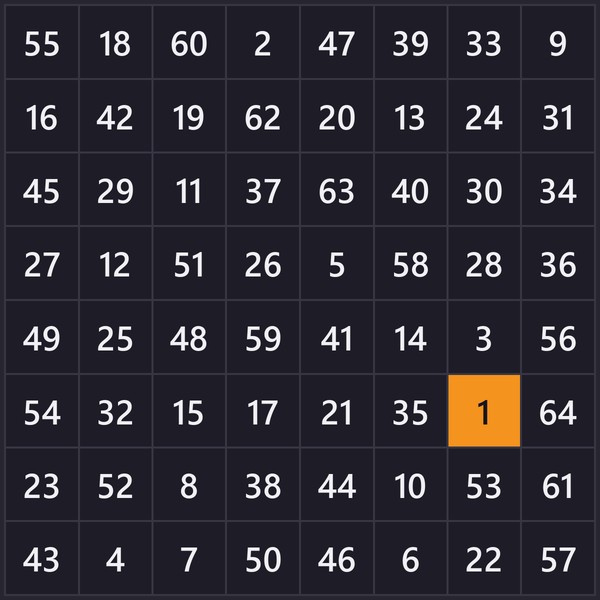
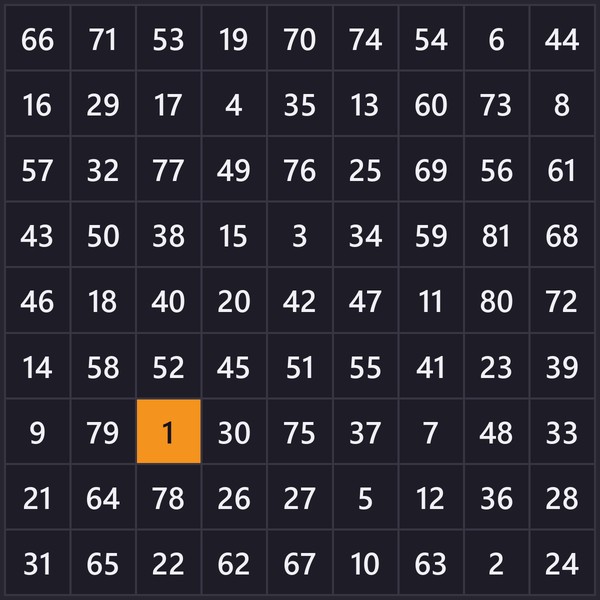
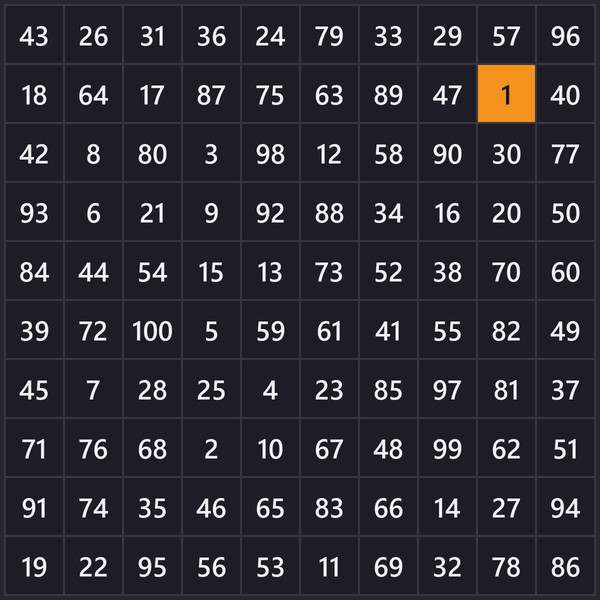
To play the Schulte table game, pick a table and a size. Only the cell you start from is visible. The rest are blurred, and the blur hides their real values even if you lean in close. Tap that cell to reveal the table and start the clock, then find the rest in order until the last one.
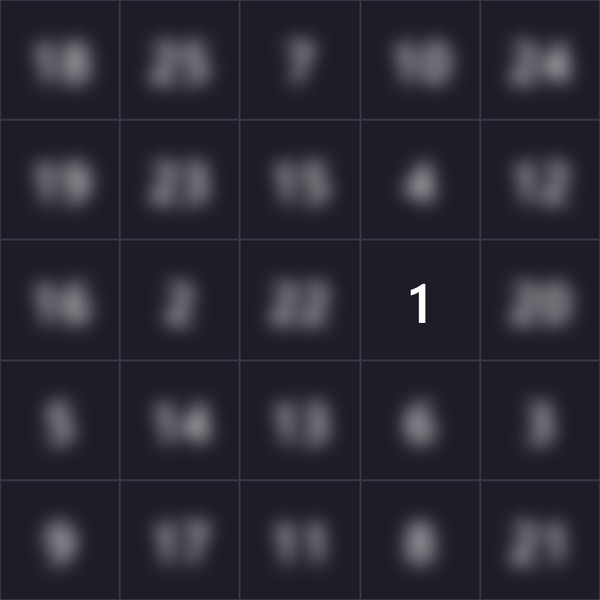
The built-in timer stops on the last find, and there's no time limit. Wrong taps don't add time, but they're counted and shown next to your result. On a phone or tablet you tap the cells. On a computer you can click, or use the keyboard: the arrow keys move between cells and Enter or Space picks one. Reduce motion in your device settings turns off the game's animations.
Where to look
The Schulte table technique is to rest your eyes on the centre cell and find each number without looking straight at it. Only a small part of your vision is sharp, and the rest of the grid you see with peripheral vision, out of the corner of your eye. Your eyes will still jump now and then at first. If keeping them still is hard, turn on the fixation dot in the game's options. It marks the centre of the grid, and you can turn it off again once you don't need it.
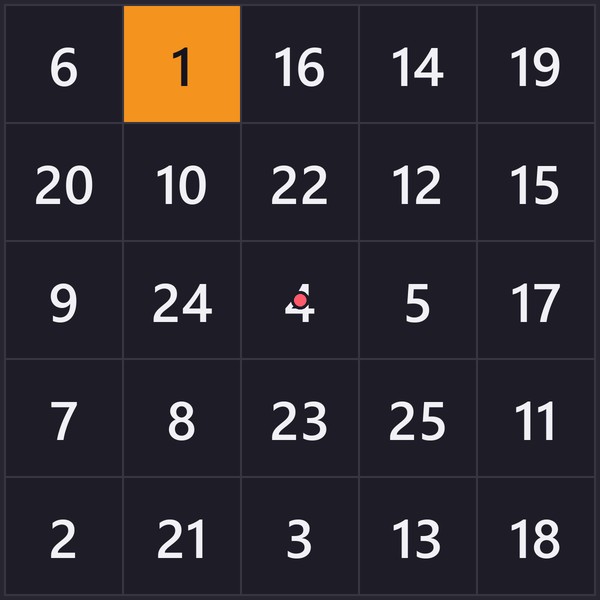
Sit where you can see the whole grid without turning your head, about arm's length for a 5×5. If the corners still feel too far away, sit further back.
Some players scan the grid row by row instead, which trains search speed. Keep scanning to its own sessions, since those times can't be compared with times from the centre.
Tips to solve the puzzle faster
Look for the next number while your finger is still moving. Read both digits before you tap, because 12 and 21 are easy to mix up.
Hunt for the shape of the number. For 14 that's a 1 with a 4 beside it, and you can spot it without saying "fourteen" in your head. Saying each number to yourself adds a step, 25 times on a 5×5.
Table types and settings
Most players start on the classic 5×5 number game, 1 to 25. Once that gets easy you can make it harder. A bigger grid is the obvious step. Red–black adds a second count to follow, and the reverse and shuffle switches further down work with any table.
Grid sizes
Sizes run from 3×3 to 10×10. Each size keeps its own best time and has its own leaderboard for every table type and setting. The time per cell shown with each result lets you compare a big grid with a small one.
- 3×3 has nine cells and works as a warm-up. Every table type comes in this size.
- 4×4: 16 cells.
- 5×5: the classic table, and the biggest letters table (it ends at Y).
- 6×6 drops the letters table.
- 7×7 is as far as the mixed table goes. From here on it gets hard.
- 8×8 and up is numbers and red–black only.
- 9×9 is the largest size with full-size cells.
- 10×10 fits 100 cells into the space of a 9×9, so each cell is smaller.
The red–black (Gorbov) colour table
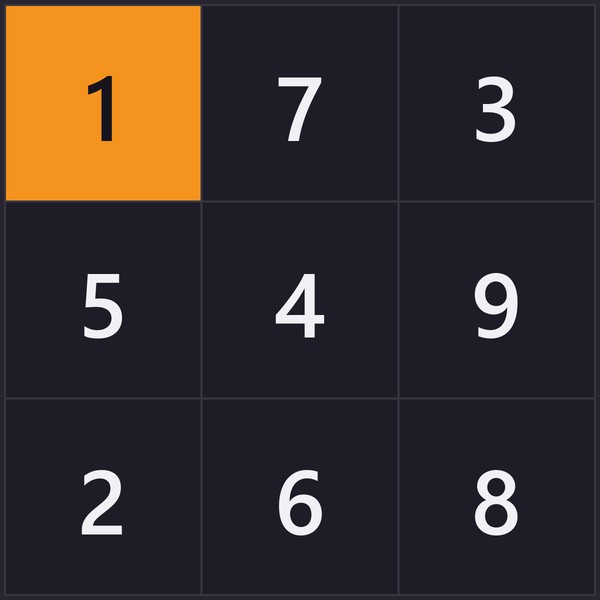
Two counts share one grid: black goes up from 1, red comes down from the top, and you alternate between them. A 3×3 runs:
black 1 → red 4 → black 2 → red 3 → black 3 → red 2 → black 4 → red 1 → black 5
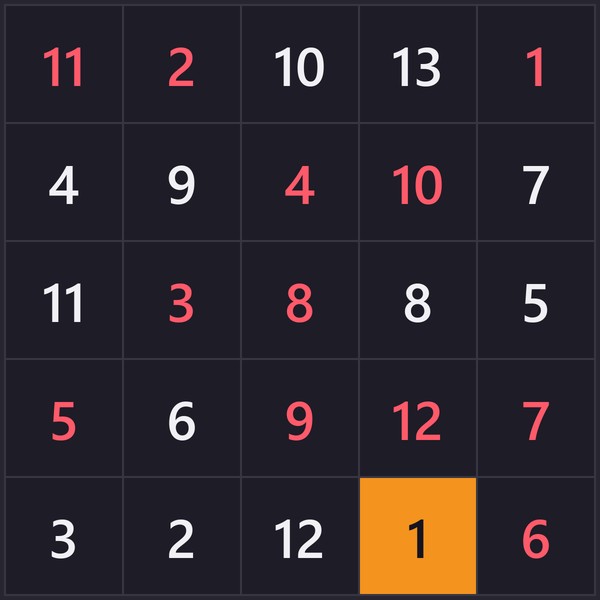
The game has a dark background, so the black count is shown in white.
Halfway through, the two counts cross. Straight after red 3 you need black 3, the same number in the other colour. On a 10×10 each colour has 50 numbers, so black climbs to 50 while red comes down from 50. Turn on reverse and the colours swap jobs: black counts down and red counts up.
It's sometimes listed as a colour test. If red and black look alike to you, use the line at the top of the game, which names the next number and its colour.
The letters table
A to Y fills all 25 cells of a 5×5. The letters table works like the numbers one, only alphabetical, and with no letters left over for a bigger grid it stops at 5×5.
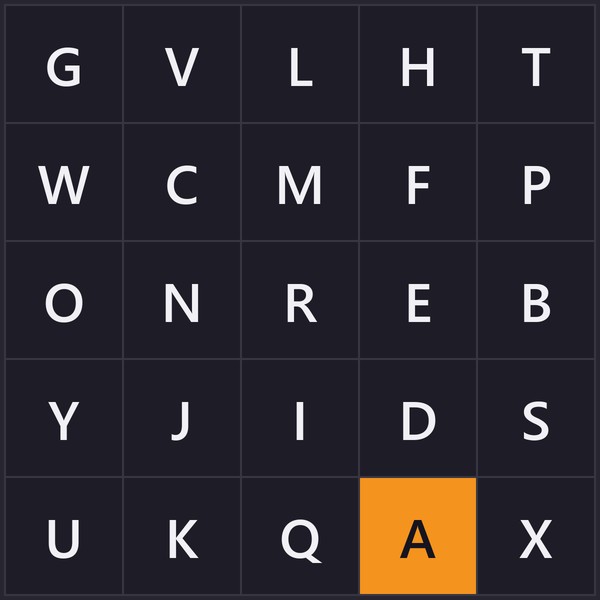
The letters switch automatically to the language you pick in the game. In Russian the table runs А to Щ, and in Ukrainian А to Ш. The mixed table below switches the same way.
The mixed table
Numbers and letters take turns in the mixed table: 1, A, 2, B, 3, C. A 7×7 ends on 25, right after X.
The Trail Making Test, which psychologists still use, has a part that alternates 1, A, 2, B up to 13, and our mixed 5×5 runs in exactly that order.
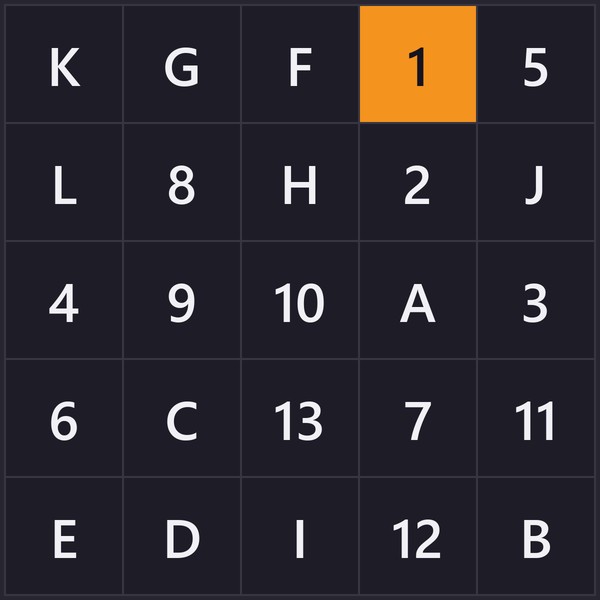
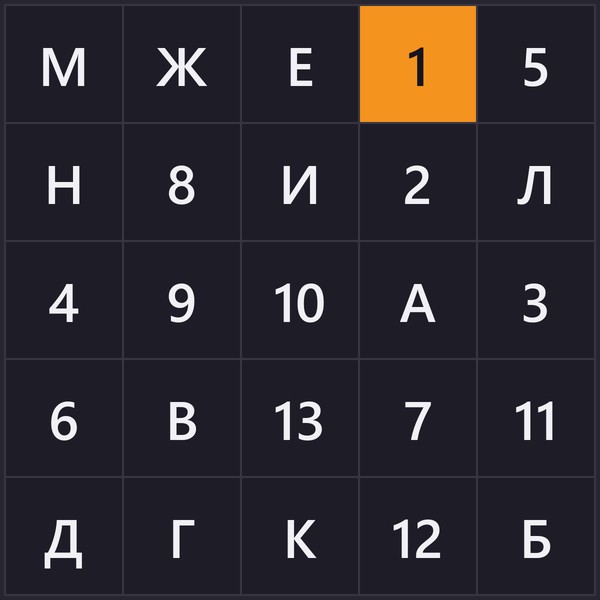
In Russian the mixed table leaves out З, because it looks too much like 3.
Hard mode: reverse and shuffle
Two switches make up hard mode, reverse and shuffle. They work on every table and every size. Reverse starts from the last value, 25 on a 5×5 or Y in the letters table. Shuffle re-deals the numbers you haven't found yet after every hit, and the ones you've found stay put.
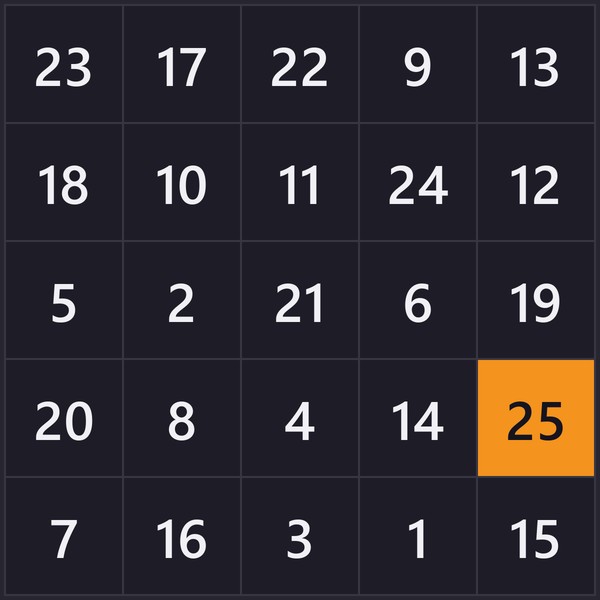
Shuffle only works on screen, so printed tables come out without it.
For advanced players, the most difficult setup is red–black at 10×10 with both switches on. Nobody has a time on that board yet, and the top spot in this Schulte grid challenge is open.
Your times and records
Every table type keeps records for each size, and reverse and shuffle get their own. The game lists your ten fastest runs for each, with the misses next to each time. A run on a phone lands in the same list as a run with a mouse, so compare runs made the same way.
Your records are kept in your browser and on the site. Runs you finish offline are still saved in the browser, but the leaderboard needs a connection.
Good times and Schulte table results by size
These Schulte table results are the best runs on our leaderboard for the numbers tables, as of October 2026. The average time is the average of each player's best run. A good time on a 3×3 is under 3 seconds. The first-try column shows what new players took on their very first table of that size.
| Size |
First try |
Best time |
Good time |
Average time |
| 3×3 |
4.5–5 s |
2.17 s |
under 3 s |
3.24 s |
| 4×4 |
8–10 s |
7.68 s |
under 8 s |
8.43 s |
| 5×5 |
22–28 s |
15.83 s |
under 16 s |
20.83 s |
| 6×6 |
50 s – 1:00 |
38.34 s |
under 40 s |
44.63 s |
| 7×7 |
1:50 and over |
1:18.15 |
under 1:20 |
1:25.47 |
Schulte table leaderboard and ranking
Your results also go to the leaderboard under the game. Every table and size has its own board, and reverse and shuffle split it further, so a 5×5 with reverse is one board and a 5×5 with reverse and shuffle is another. Letters tables share a board whatever the alphabet. Pick a board from the list at the top of the leaderboard, and your own row is marked You.
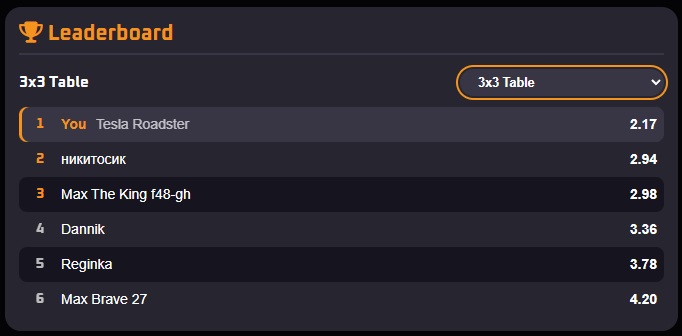
You get one row per board, holding your best time, so a slower run won't move you down. If two times are equal, the earlier one ranks higher. The board keeps the top 100, ranked by time alone, with the lowest time as the highest score. Your misses show in your own list in the game.
You don't need an account to get on it. The site gives you a nickname, which you can change once. Without an account, your row is tied to this browser. Visiting keeps it alive, but after about six months away the browser may forget you, and your next run starts a new row.
The top row of each board is its record, like the 3×3 record or the 5×5 record, and on most boards nobody has set one yet. These are records for this game only. The FAQ on the game page explains why there's no official Schulte table world record.
How to practise
Your own records are the easiest way to see your progress. Training takes a few minutes a day. We'd suggest three to five tables on most days of the week. Pick one table and one size and stay with it for a while. Only your ten fastest runs are kept, so a slow day won't touch your records.
Once a week, play five tables in a row with no break, the way the paper test was given, and compare the first time with the last. If the last one is much slower, you're tiring before the end. Play fewer tables a day for a while.
When the average of your ten fastest runs stops dropping, change one thing. Go up a size, or turn on reverse or shuffle. The new setting starts its own list, and the old one stays as it was.
Eye strain and breaks
Resting your eyes on the centre for a whole table is tiring, more so on a 9×9 or 10×10. Blink and look away between tables. If your eyes ache or water, stop for the day.
Schulte table for focus
A 5×5 takes under a minute once you know it, so two or three fit into a short break between study blocks. Before a match, try one round of red–black, with its two counts running in opposite directions.
With a friend, it turns into a Schulte table challenge. Take turns on one device with the same table and size, and the faster time wins.
Schulte table for kids
Children start on a 3×3: nine cells, 1 to 9, finished in a few seconds. Move up to 4×4 and 5×5 when that feels easy, and try the letters table once they know the alphabet. Leave reverse, shuffle and red–black for later, and keep to a few short rounds.
Compare each time with the child's own times from last week. The age charts online don't say where their numbers come from.
Printable Schulte tables
Some children, and some adults, would rather use paper, which is how the table started. The Print button next to New table opens the print settings. Pick the table type and size, then how many tables go on a page and how many pages you want. A page holds one, two, four or six tables, so ten pages give you up to 60 tables in one go. Six to a page works up to 7×7, and bigger grids fit four.
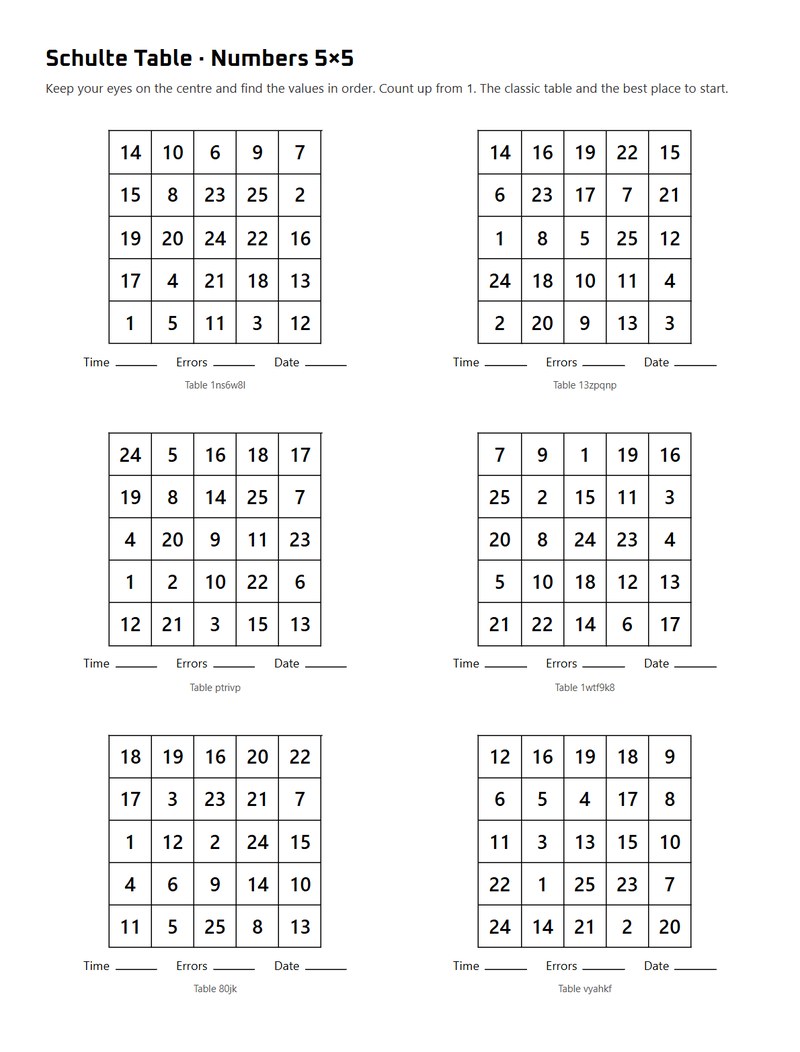
Every page starts with the table type, the size and a one-line reminder of the rules, so it makes sense to someone who has never played. Under each table are lines for the time, the errors and the date, and a stack of filled-in sheets works as a paper log. You can turn the lines off, or add the fixation dot or reverse to the printed tables.
The preview shows each page before you print. Click a table to deal a new one in its place, or press New tables to deal the whole set again. Red–black needs a colour printer, because in black and white the two counts look the same. To get a file instead, choose Save as PDF in the print dialog.
On paper you need a stopwatch. A second person watching for skipped numbers helps too, as in the original test.
What the Schulte table trains as a brain exercise
The original purpose of the table was to measure attention, and it still works as a quick brain test. Your time and errors show how focused you are on a given day, and the same table and size played a week later gives you something to compare them with. What it trains most is visual search, finding one thing among many. Reaction time plays a small part, since the tap is the shortest part of every find.
With practice you learn where to rest your eyes and spot the next number sooner, using the same field of view you started with. Memory plays a part too, because you often notice where a later number sits while looking for the current one. Shuffle moves the unfound numbers after every hit, so your shuffle times show how much that memory was helping.
Does the Schulte table really work?
You'll get faster with practice, and your own records will show it. We couldn't find a study that tested whether this carries over to reading or work, so how effective the table is outside the game is still an open question.
Speed-reading courses use the table, and some pages promise three times as many words per glance. We found no source for that number, and a 2016 review of speed-reading research found that comprehension drops as reading speed goes up.
The 29% lower dementia risk you'll see quoted comes from the ACTIVE trial, which trained a different speed task on a computer, not this table. We couldn't trace the stories about Soviet fighter pilots, NASA screening or better results in sport.