Nonograms GrandGames - Puzzle Game
About the Game
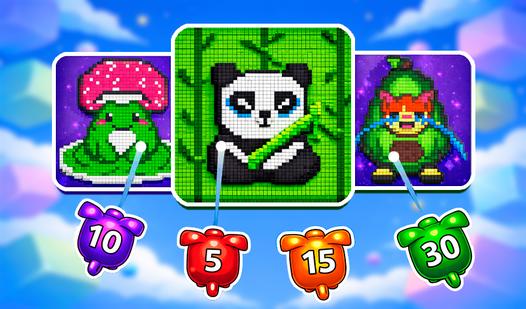
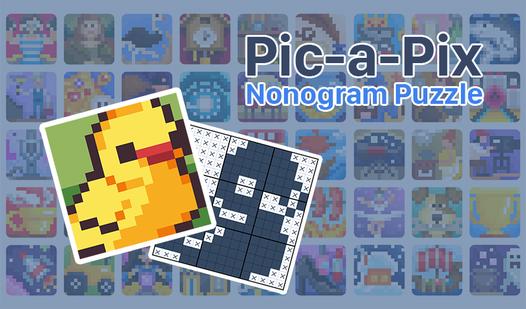
The app offers several thousand colored and black-and-white nonograms, which can be selected using an online catalog. New nonograms are added daily. The game interface is easily customizable to your preferences. There are hints and other features to ease the solving process, which can be disabled if necessary. You can solve the puzzles on both computer and mobile devices. Using the filter, you can select the preferred size, color, and orientation of the nonogram. The program automatically saves the downloaded nonograms and solutions when you exit to the menu, so you can return to solving them later even without a network connection. On mobile devices, for large nonograms, it is most convenient to draw with a special cursor. It will appear automatically if the grid size is too small. It can be disabled in the bottom panel. There are three drawing modes: lines, blocks, and dots.
Puzzle Game - Mechanics and Core Game Loop
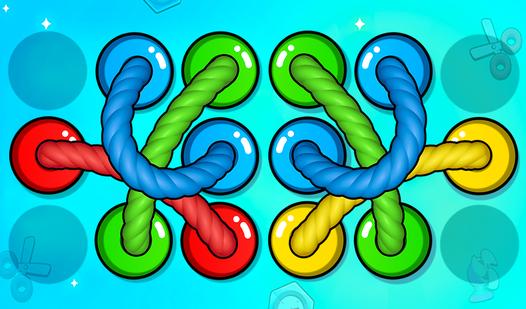
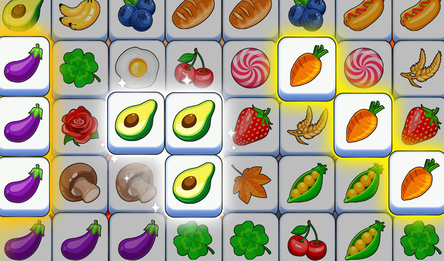
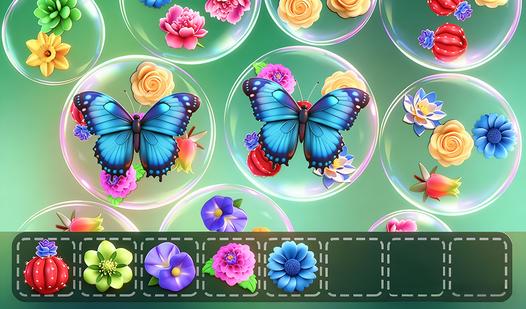
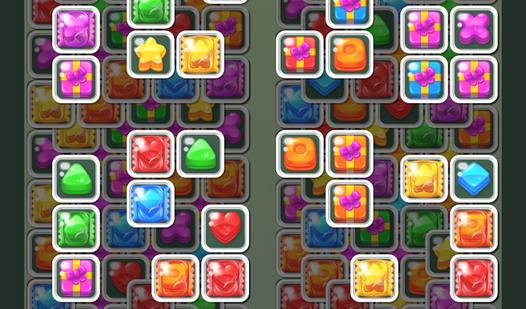
In a Puzzle Game, players are challenged to engage their critical thinking and cognitive skills to overcome increasingly complex brain-teasers. The core gameplay loop revolves around pattern recognition, spatial awareness, and strategic problem-solving rather than fast-paced reflexes. As a player, you must carefully analyze the board, manipulate interactive elements, and use logical deduction to uncover the correct sequence or layout required to progress. Whether you are navigating intricate grids, matching color-coded objects, or deciphering physics-based riddles, each new level introduces evolving rule sets and unique environmental obstacles. Success in this highly rewarding genre demands patience, deep analytical thinking, and a mastery of the game's core mechanics to ultimately unlock the final solution.