Fruit Burst - Match 3 - Match 3 Puzzle Game
About the Game
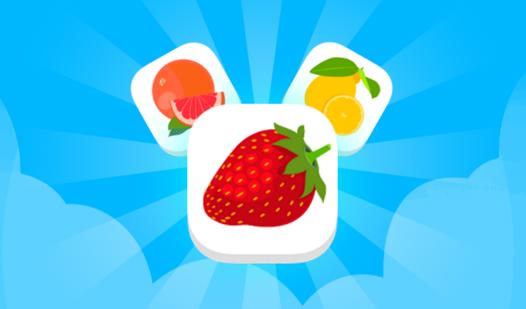
Fruit Burst - Match 3 is a vibrant and exciting puzzle game where you’ll match juicy fruit combos and overcome tons of unique obstacles! Get ready for hundreds of levels, each bringing you a fresh challenge. Break ice, free blocks trapped in boxes, collect hidden items, and guide keys to the bottom. Walls, cases, and empty tiles add even more variety to the gameplay. With each victory, you’ll unlock new mechanics, raise the difficulty, and get closer to becoming a true fruit master! 🟢 5 (and sometimes 6!) vibrant colors 🧊 Ice, crates, walls, and cases 🧩 Goals with blocks, items, and keys 🔥 Thrilling combos and bonuses 🎯 Levels with tasks and limited moves If you enjoy games like Candy Crush or Homescapes, Fruit Burst is sure to hook you!
Match 3 Puzzle Game - Mechanics and Core Game Loop
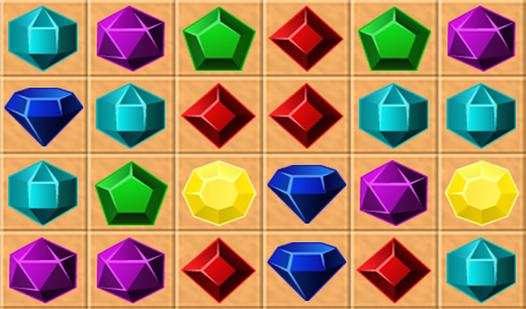
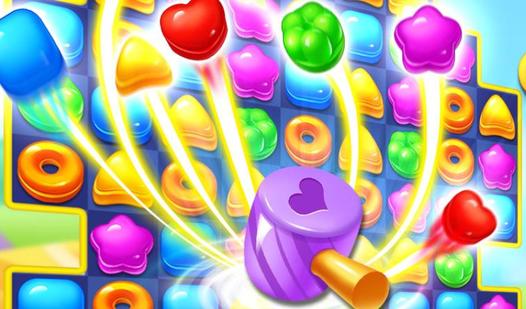
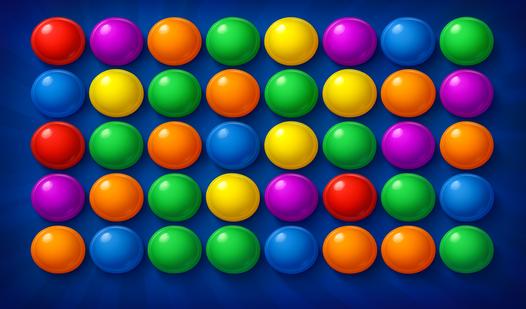
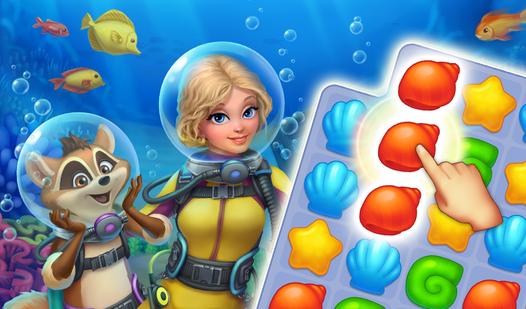
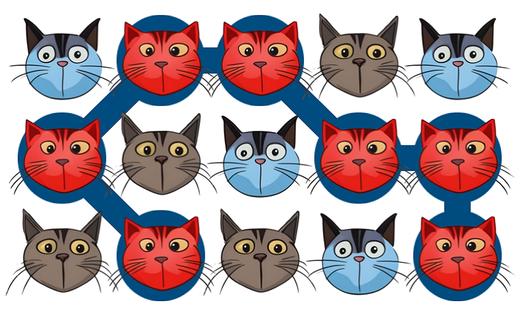
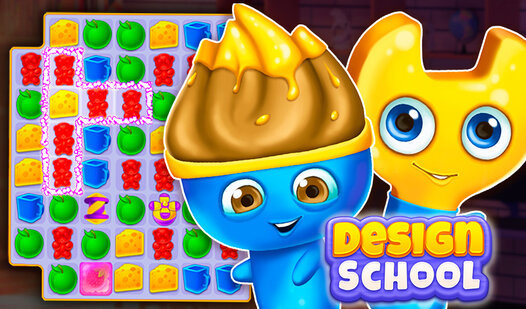
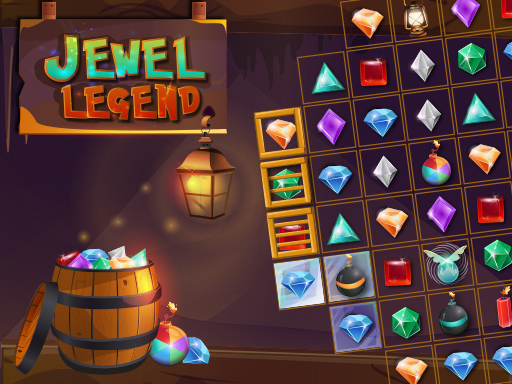
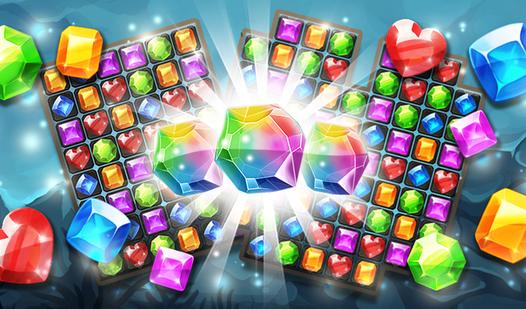
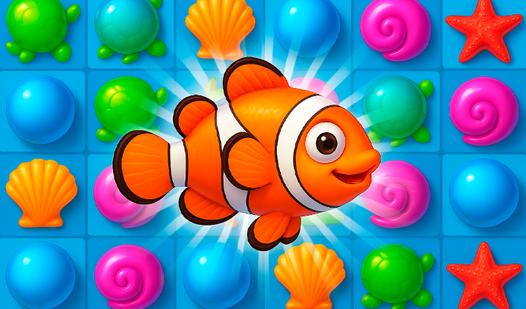
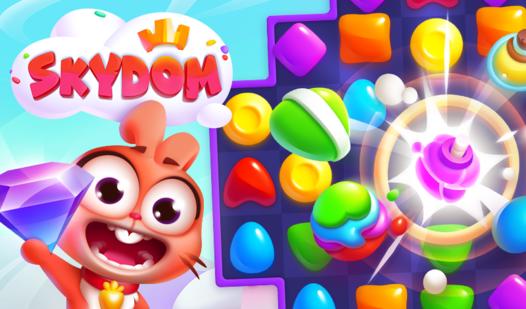
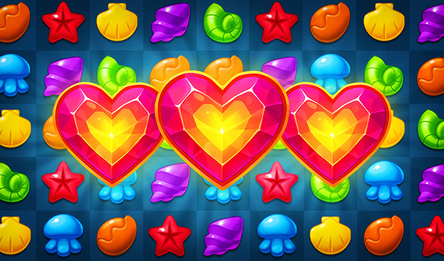
Match 3 is one of the most popular and addictive puzzle mechanics in casual gaming. The core rule is simple: swap adjacent tiles—such as gems, candies, or bubbles—to form a horizontal or vertical line of three or more identical items. Those matched tiles then disappear, new ones fall from above, and chain reactions (called cascades) can create extra points or special power-ups. Modern Match 3 games add layers of strategy with goals like clearing all jelly, bringing down ingredients, or breaking ice blocks within a limited number of moves. Classic examples include Bejeweled, which pioneered the genre, and Candy Crush Saga, which turned it into a global phenomenon. Other variations like Fishdom or Homescapes merge Match 3 mechanics with home decoration or story progression. Easy to learn but hard to master, Match 3 puzzles reward pattern recognition, forward planning, and sometimes a little luck. Whether you're killing time or grinding through hundreds of levels, this mechanic offers endless satisfying “pop” moments.