Eat Blobs Simulator - Arena Growth Game
About the Game
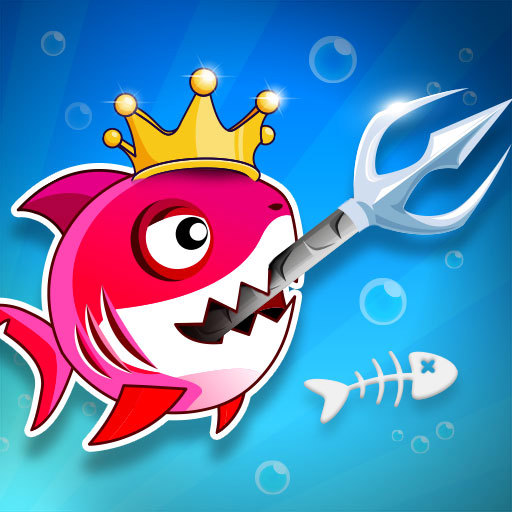
The battle of the blobs and slimes is beginning in this great eating simulator. Pick your slime character and start competing against others. Eat smaller blobs and slimes, and make yours bigger than the others. Become the king of the blob arena! Buy various blob skins during the game. On each game, receive various rewards with the blob sizes and coins. Chase smaller blobs and eat them. Collect blobs around and increase your score.
Arena Growth Game - Mechanics and Core Game Loop
Arena Growth is a competitive multiplayer mechanic where you start small and grow larger by absorbing or collecting resources scattered across a shared arena. The core loop is simple: move your character or blob around the map to gather glowing orbs, pellets, or food, which increases your size, mass, or length. As you grow, you become more powerful (able to absorb smaller players) but also slower or harder to maneuver, creating a risk‑versus‑reward balance. Key mechanics include splitting (sacrificing size for speed or ranged attacks), coiling (wrapping around opponents to trap them), or ejection (shooting mass to slow pursuers or create obstacles). Death sends you back to minimum size, while eliminating another player causes them to explode into valuable resources for others. The camera zooms out as you grow, giving larger players more awareness. Arena Growth games typically feature free‑for‑all matches on a bounded map, with leaderboards showing the current top players. This mechanic is widely used in .io games — browser‑based multiplayer titles with simple controls, fast respawns, and global leaderboards. Unlike linear progression games, Arena Growth rewards aggressive hunting, tactical retreat, and awareness of nearby threats. The satisfaction comes from overtaking the leader after a tense chase. Perfect for players who enjoy competitive, short‑session multiplayer where every victory makes you a bigger target