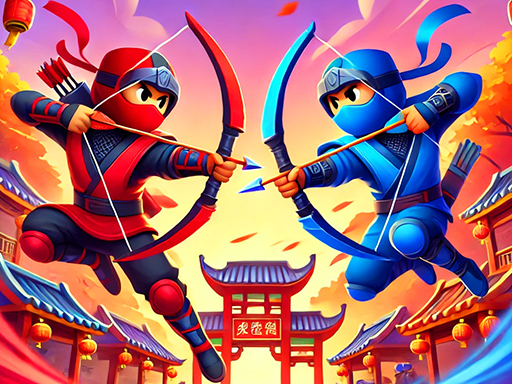
Battle Playground: Tactical Simulator - Battle Simulator Game
About the Game
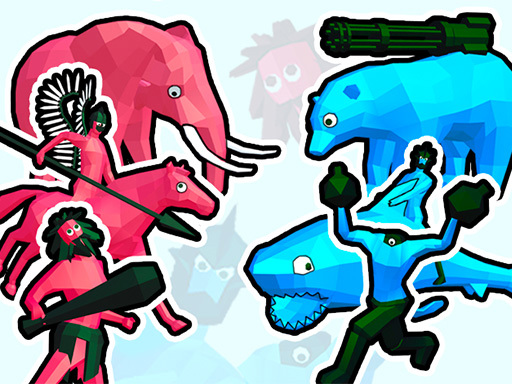
Battle Playground: Tactical Simulator — strategies, armies, and tactics in a new format! Develop unique strategies, choose your troops, and deploy them wisely on the battlefield to defeat any opponent. Play through the campaign across multiple levels, or create your own battles in Custom Mode. Now you can fully upgrade your army and enjoy realistic physics and ragdoll effects. With advanced graphics and improved enemy AI, you’ll dive into thrilling large-scale battle simulations! Are you ready to take on the challenge and lead your army to victory? Features: • Realistic physics and ragdoll effects! • Improved troop placement system for precise tactics! • Army upgrades up to three levels with powerful gear and enhanced stats! • Refined graphics — every battle looks more spectacular than ever! • Smart units for the most realistic combat simulation possible!
Game Mechanics
In a Battle Simulator, you step into the role of a tactical commander, orchestrating massive conflicts in an unpredictable sandbox environment. Unlike traditional strategy games where you actively control troops, the core mechanics here revolve entirely around pre-battle preparation, resource budgeting, and strategic unit placement. Once your army is positioned, you initiate the simulation and watch as autonomous AI units engage in chaotic, physics-based combat. Success in this genre requires a deep understanding of army composition, unit synergies, and counter-tactics—such as placing heavy shield-bearers on the frontline to protect your fragile ranged attackers. Whether you are solving strict campaign puzzles with limited funds or creating ridiculous matchups in a custom sandbox mode, mastering this auto-battler genre rewards careful planning, spatial awareness, and tactical foresight.