Wildlife 3: Back to the Dinosaurs 3D - First-Person Shooter (FPS) Game
About the Game
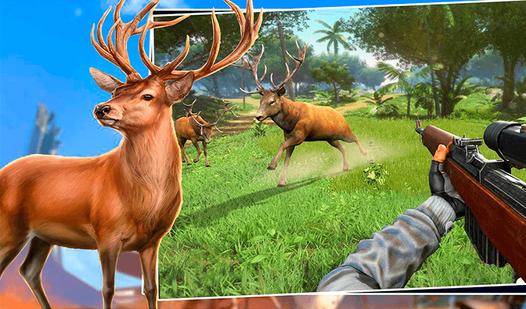
In the game you have to hunt dinosaurs. The main features of the game: 💥 many types of weapons, 🐗 a variety of dinosaurs, 🏝️ a large open world, 🔥 stunning 3D graphics, 👂 dinosaurs hear the sound of a shot and the noise of the player's footsteps — sneak up on the prey.
Game Mechanics
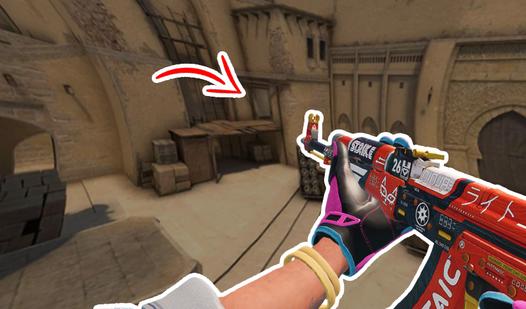
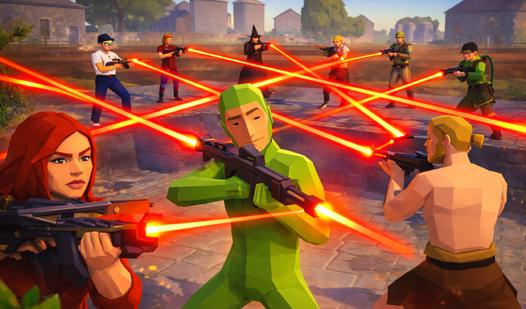
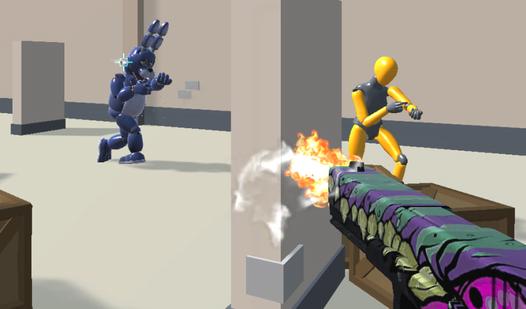
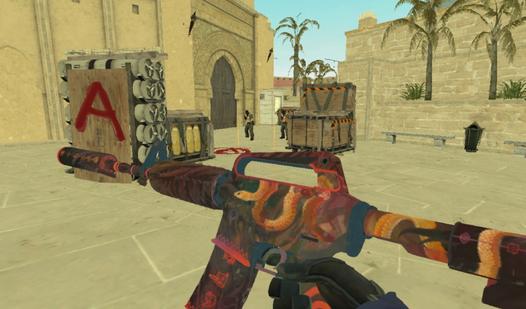
In a First-Person Shooter (FPS), you experience the action directly through the eyes of the protagonist, creating a highly immersive and fast-paced gameplay environment. The core mechanics of this genre revolve around spatial awareness, precise aiming, and quick reflexes. As a player, you must navigate complex 3D maps while managing crucial resources like health, armor, and ammunition. Success in an FPS requires mastering tactical combat mechanics—such as strafing, utilizing cover, controlling weapon recoil, and understanding enemy sightlines. Whether you are tracking targets in competitive multiplayer arenas or surviving a narrative-driven campaign, your hand-eye coordination and movement mechanics are just as important as your shooting accuracy.