Toca World - Superstar's Mansion - Dress-Up Game
About the Game
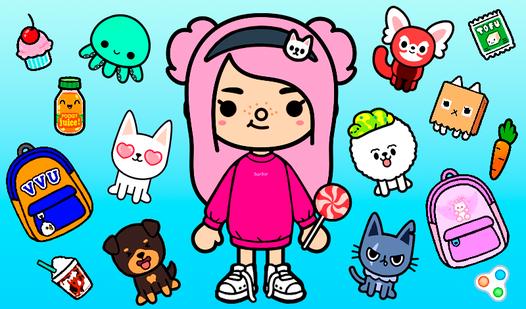
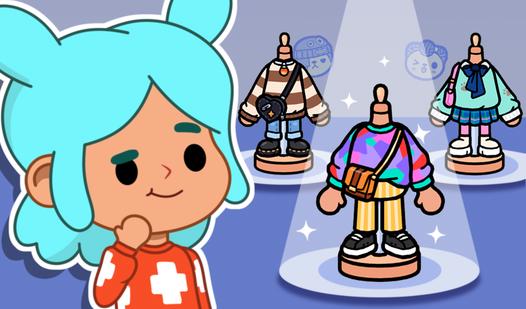
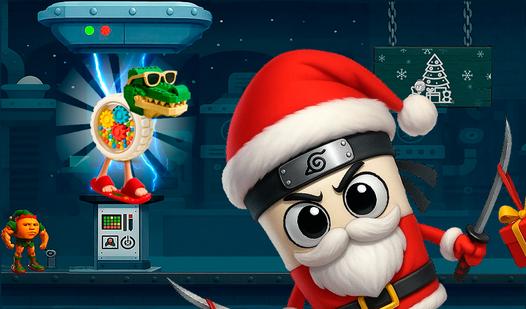
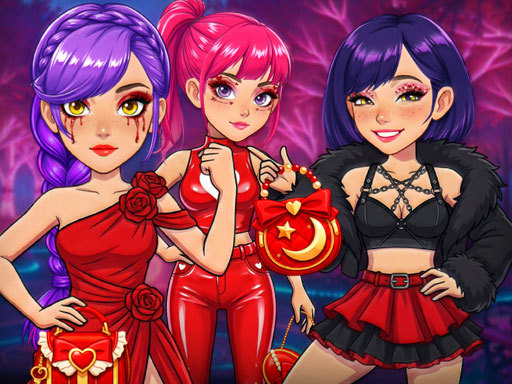
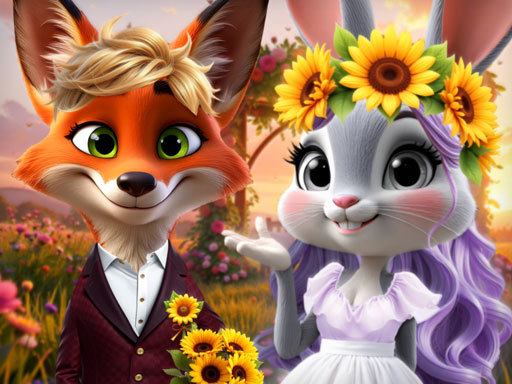
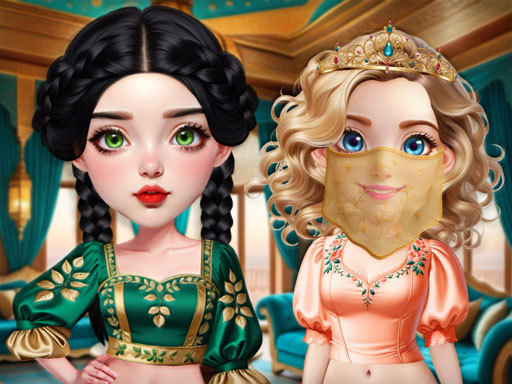
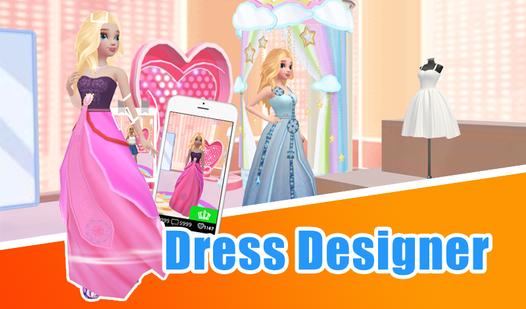
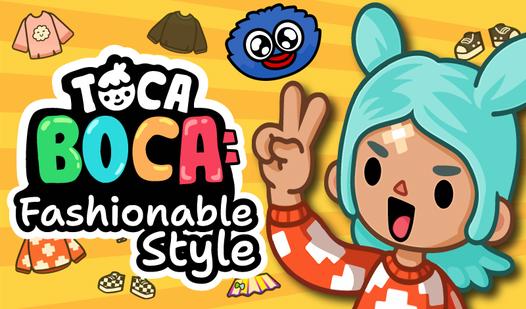
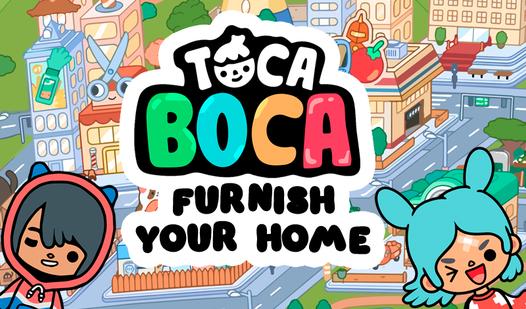
Toca World - Superstar's Mansion is an exciting game for fans of creativity and home improvement. Create and decorate 8 unique houses, develop a unique style for 8 characters. The game combines elements of an interior simulator and a fashion editor, allowing you to realize any design fantasies. Modern appliances and beautiful tables can be installed in the kitchen, comfortable sofas and televisions in the living room, cozy beds in the bedroom, and a swimming pool and garden in the courtyard. Dress up your characters in fashionable outfits, complete the images with accessories, glasses and hats. Create a unique style for each character! Start creating right now — your perfect world is waiting for you!
Game Mechanics
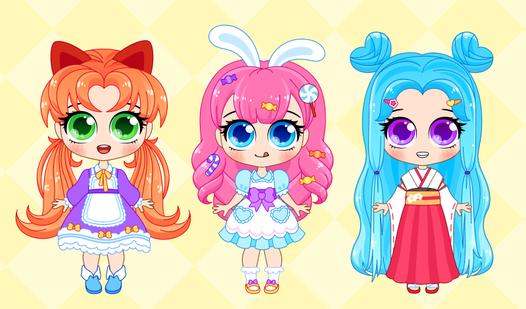
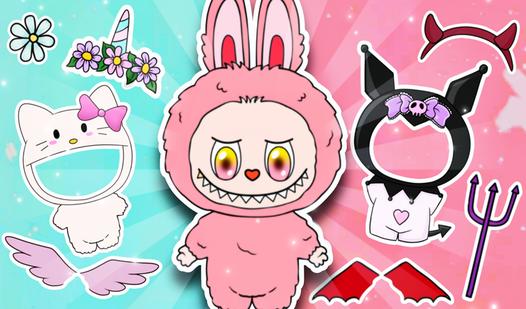
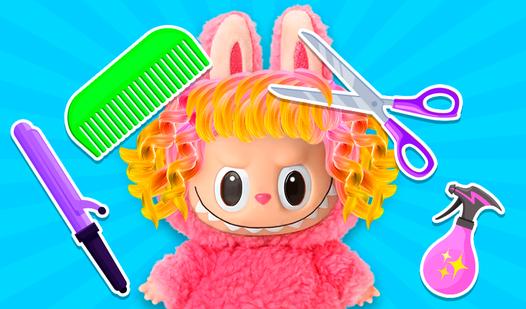
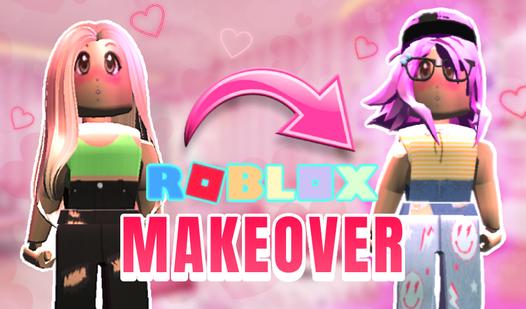
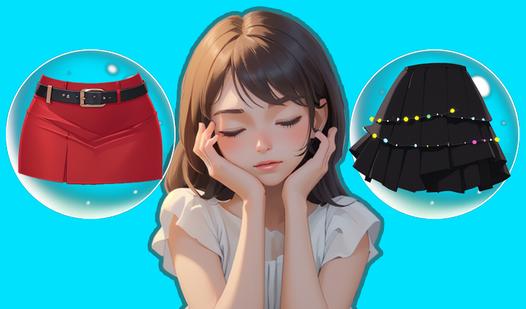
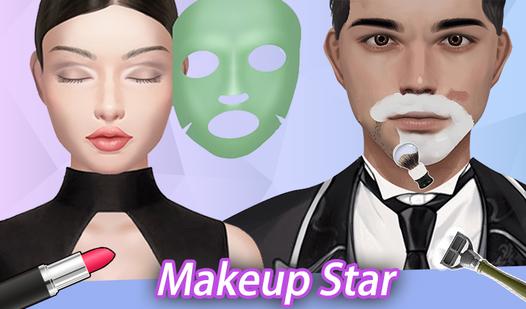
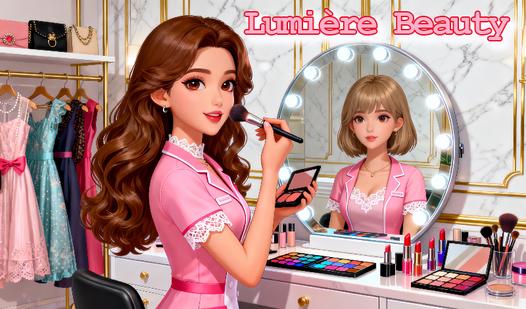
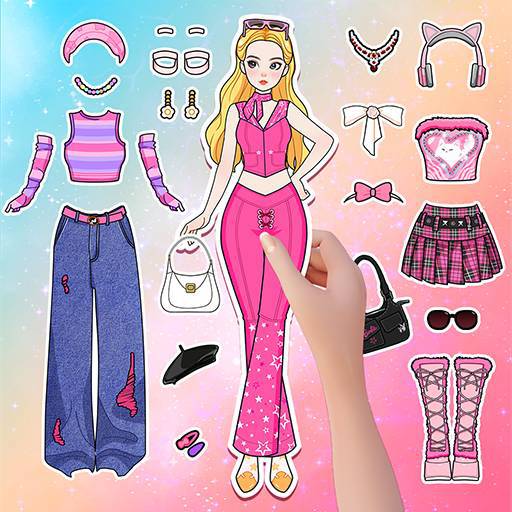
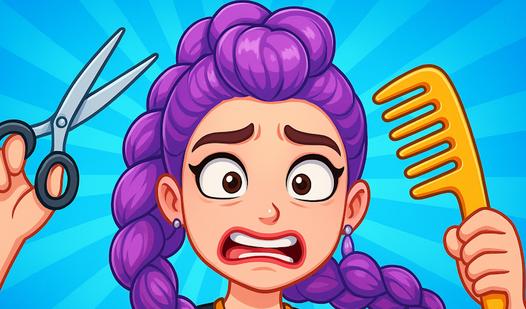
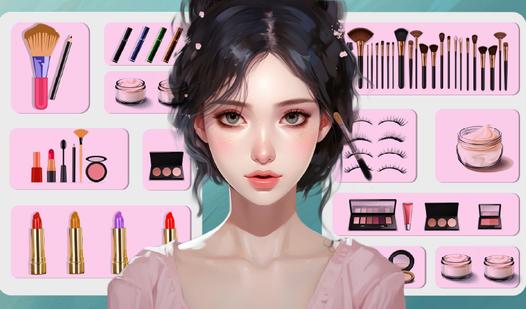
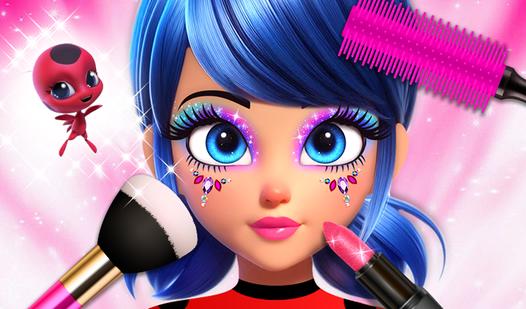
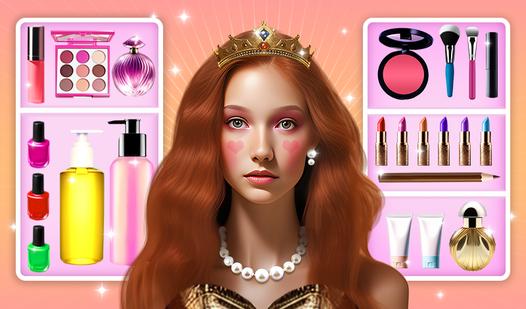
A Dress‑Up game is a creative customization mechanic where you mix and match clothing, accessories, hairstyles, makeup, and backgrounds to design a character's look. The core loop is simple: browse through virtual wardrobes filled with tops, bottoms, dresses, shoes, hats, jewelry, bags, and wings, then drag or click items onto a model. You can layer pieces (jacket over shirt), change colors or patterns, and rotate items for perfect placement. Unlike action games, there are no timers or enemies — only imagination and personal style. Many dress‑up games include themed collections (princess, fairy, gothic, casual, school, beach, fantasy), allowing you to save outfits, share them with friends, or earn new items by completing styling challenges. Some versions add makeup studios (lipstick, eyeshadow, blush, contacts), hair salons (cuts, dyes, braids, bangs), and pose and background selection for photo‑finish results. Progression may unlock premium clothing or limited seasonal events. The genre rewards creativity, color coordination, attention to detail, and self‑expression. Perfect for players who enjoy fashion, character design, and relaxing, judgment‑free creativity