Sprunki New Year Songs - Music Creator Game
About the Game
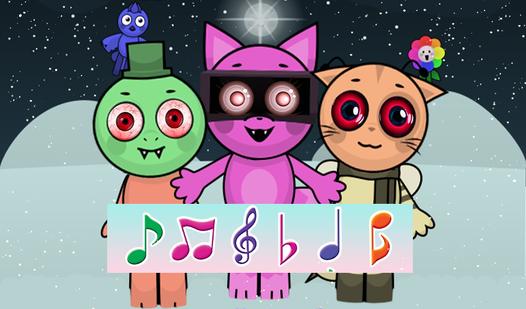
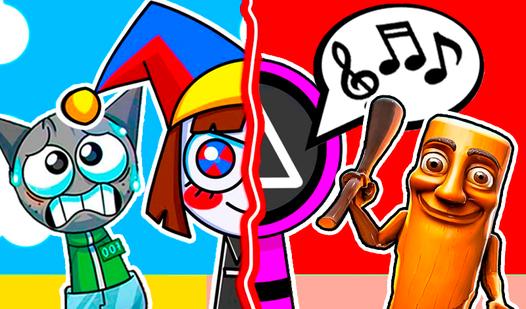
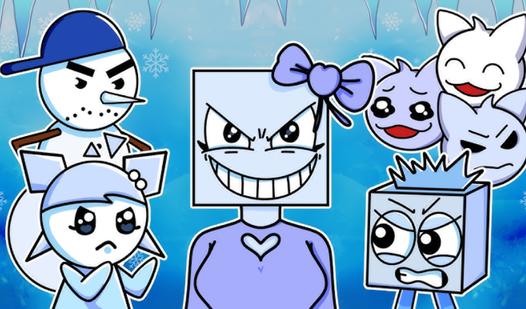
It's time to embark on an exciting adventure through the world of music, where every stroke of rhythm fills the space with unique sounds! In this game you will become a real composer, mixing unique rhythms and sounds to create original tracks that will come to life before your eyes. Eight levels are enough to immerse yourself in a variety of musical styles, because each level offers unique sound samples, allowing you to explore different genres and combinations. But remember: in order to move forward, you need to assemble certain compositions using hidden magnifiers, behind which advertising is hiding. The drag and drop elements in the game create limitless possibilities for experimentation — you can enjoy new rhythms and melodies every time. The game contains New Year's musical compositions, as well as popular melodies: Kraken (Hotel Transylvania), a melody from the TV series - Squid Game.
Game Mechanics
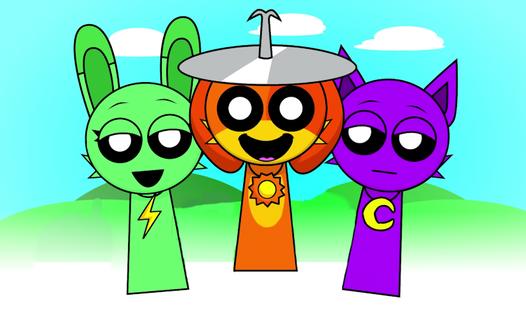
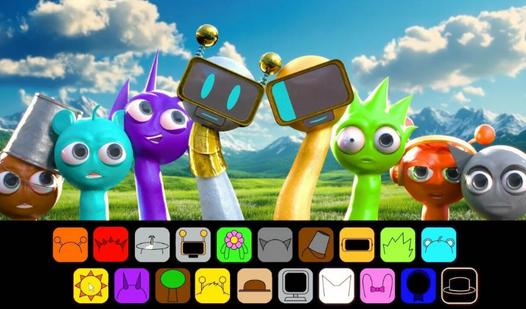
In a Music Creator game, players step into an interactive, audio-visual sandbox to compose their own unique beats and melodies. Unlike traditional rhythm games that require twitch-reflexes to match a pre-set song, the core gameplay loop here focuses entirely on creative audio mixing and loop synchronization. As a virtual producer, you use intuitive drag-and-drop mechanics to assign specific sound categories—such as rhythmic beatboxing, heavy basslines, vocal effects, and instrumental melodies—to a chorus of animated characters. By carefully layering these perfectly synchronized audio loops, you can dynamically build, break down, and remix complex musical tracks in real-time. Whether you are freely experimenting with different musical styles, utilizing mute and solo functions to create dramatic beat drops, or discovering secret audio combinations to unlock hidden animated music videos, success in this highly creative genre is driven purely by your musical intuition and rhythmic experimentation.