SchoolBoy Obby: Escape from Mom in Backrooms - Escape Game
About the Game
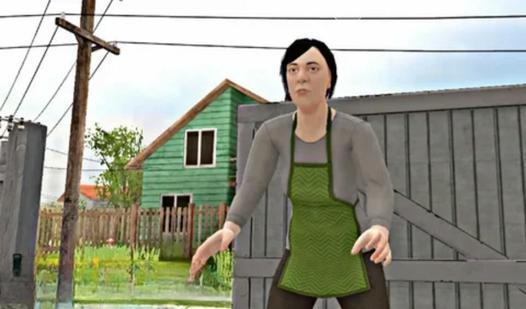
“SchoolBoy Obby: Escape from Mom in Backrooms” is an exciting 3D game that will immerse you in the world of Backrooms and make you fight for survival! You will have to play as Robby Andrew, who finds himself trapped in three dark Backrooms. But you're not alone - there's Galya roaming the Backrooms! She can see and reacts to the sounds of levers! Your goal is to activate all the levers and get out of all 3 Backrooms locations! Why wait? Press play!
Game Mechanics
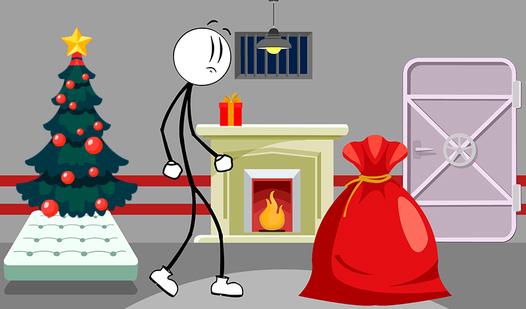
An Escape game is a puzzle‑adventure mechanic where you are locked inside a virtual room, building, or environment and must solve a series of interconnected puzzles to find a way out. The core loop involves exploring the space — clicking or tapping on objects, examining drawers, desks, paintings, or hidden compartments — to collect clues, tools, and key items. Puzzles range from decoding numbers on a locked safe, assembling torn document pieces, arranging symbols in a sequence, or using items in combination (e.g., using a found key on a locked drawer, which reveals a code for a door lock). Logic, observation, and creative thinking are essential; nothing is random, and every object may serve a purpose. Many escape rooms include multiple rooms or stages: unlocking a door leads to a new area with fresh puzzles. Some versions add a timer countdown, increasing tension and urgency — you must escape before time runs out. Hints are often available but may cost points or extend your completion time. Unlike action games, escape rooms reward attention to detail, pattern recognition, lateral thinking, and patience. The satisfaction comes from the "aha!" moment when scattered clues suddenly form a solution. Perfect for players who enjoy mental challenges, immersive environments, and the thrill of beating the clock