Open all blocks - Clicker Game
About the Game
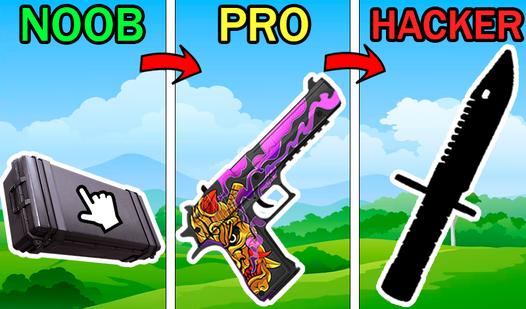
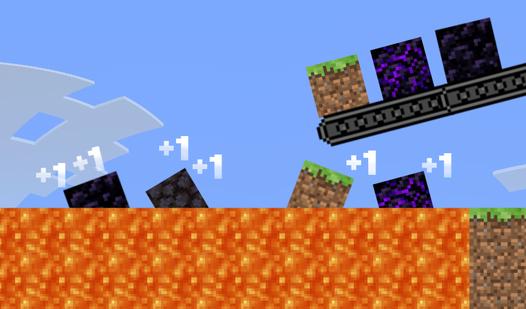
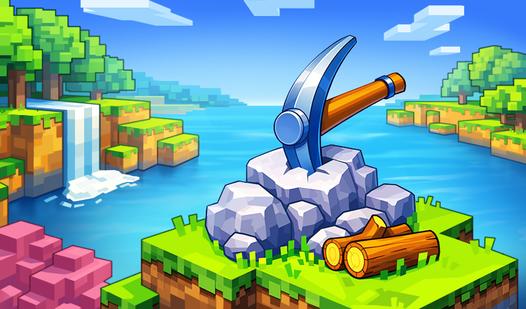
Open all the blocks in the cubic world right now! Throw blocks into the abyss to earn money to buy new blocks. In the game, your task is to throw blocks into the abyss to earn money, which you can use to open unique blocks, improve the extraction of funds, or improve the robot that will automatically place blocks on the playing field. Earn as much money as possible to take leading positions in the leaderboard and prove to other players that you are the best!
Game Mechanics
A Clicker game is an incremental progression mechanic where the primary action is repeatedly clicking or tapping on a screen element to generate resources. Each click produces a small amount of currency — coins, cookies, energy, or any fictional resource — which you then spend on upgrades, automation, or production boosters. The core loop is simple: click to earn, buy upgrades to earn more per click or per second, then click again to accelerate further. Over time, automation becomes dominant: you hire assistants, build generators, or unlock passive income that earns resources without clicking. This transforms the game from manual labor to strategic management, where you decide which upgrades offer the best return on investment. Many Clicker games introduce prestige systems: resetting your progress for a permanent multiplier or special currency that speeds up future runs. Despite the simple input, depth comes from optimizing upgrade paths, balancing active vs. passive earnings, and chasing exponential growth. The genre rewards patience, incremental thinking, and the satisfying feeling of watching numbers climb into millions, billions, or beyond. Perfect for players who enjoy idle progression, number-go-up satisfaction, and games that can be played in short bursts or left running in the background.