Nubik Metro Playground - Free Web Game
About the Game
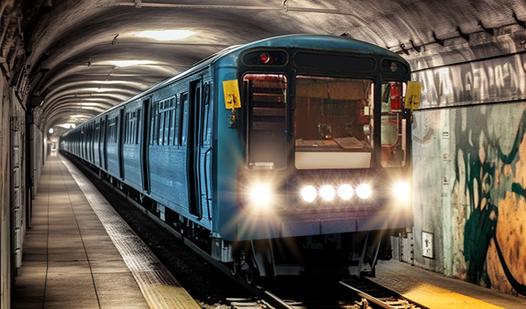
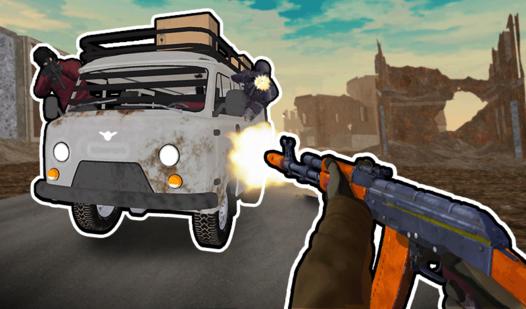
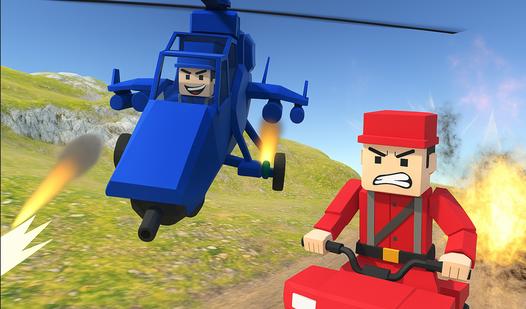
Nubik Metro Playground is a sandbox game! Experiment in the subway station using famous characters, weapons and transportation! Add items to the scene, arm characters and have battles! Create your own unique situations and stories! Make your fantasies come true. ✔ Famous Characters ✔ Weapons ✔ Items ✔ Transportation 🚉 Call a train that demolishes everything in its path! ⚡
How to Play
🎮 Drag and drop objects from the store onto the stage and interact with them! ✨
🔫 To add weapons to your hands, just drag them onto your character! ⚔
🛴 Put your character on a vehicle by dropping it on top! 🛒
There is a store icon in the top left corner where you can choose an item or character.
PC Controls:
Left-click on the icon in the store if you want to drag an object, or just left-click and the object will be created in the center of the map.
Click on a character or vehicle to open the interaction menu:
W - Walk / Drive
Q - Switch direction
E - Turbo (For transportation)
🚃 - Call the train! 🧨
🗑 Trash can - Remove Items
🔒 Lock - Freeze (Blocks only)
Controls on mobile platforms:
Click on the icon in the store if you want to drag an object, or just click and the object will be created in the center of the map.