Mine 3D Craft - Physics Sandbox Game
About the Game
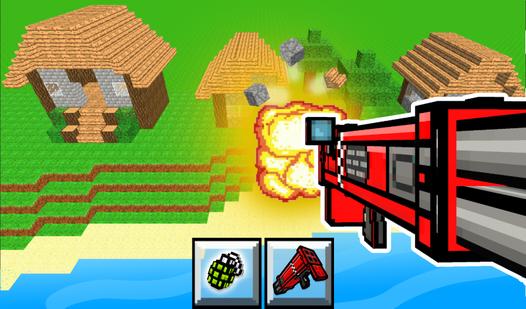
Mine 3D Craft is an adventure for those who love to build and create! An open world free for imagination and imagination. You can build your own house or even a city! Beautiful graphics, pleasant music, a variety of building blocks will not leave you indifferent! The game has auto-save, so you can continue to create in your world whenever you want.
Game Mechanics
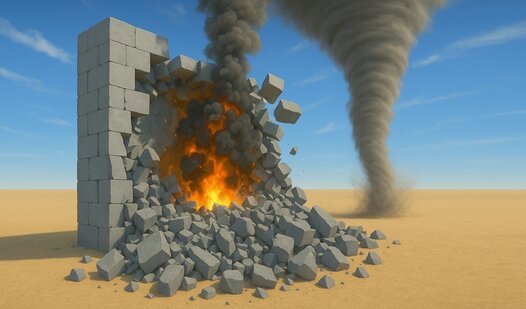
A Physics Sandbox is an open‑ended simulation mechanic where you interact with a world governed by realistic or exaggerated physical rules — gravity, momentum, friction, collisions, and joint constraints. Unlike goal‑driven games, the sandbox offers no fixed objectives; instead, you are given tools, objects, and materials to build, destroy, experiment, and play. Core mechanics include placing shapes (boxes, circles, planks), connecting them with hinges, ropes, springs, or welding points, and applying forces like pushing, pulling, or exploding. You can construct towers, vehicles, catapults, or Rube Goldberg machines, then watch how they behave under gravity or when struck by objects. The environment often allows you to toggle physics properties: freeze time, slow motion, or adjust gravity strength. Many physics sandboxes include terrain destruction (digging, breaking) and fluid simulation (water, lava, sand). The challenge comes from understanding real‑world principles — leverage, center of mass, structural integrity — without a formal tutorial. Unlike puzzle games, there is no single solution; creativity is the only limit. Physics Sandbox mechanics reward curiosity, experimentation, and the joy of seeing your invention crumble, fly, or work exactly as imagined. Perfect for players who love tinkering, building, and causing hilarious chain reactions with no pressure to win.