Magic Unicorn Colorbook - Free Web Game
About the Game
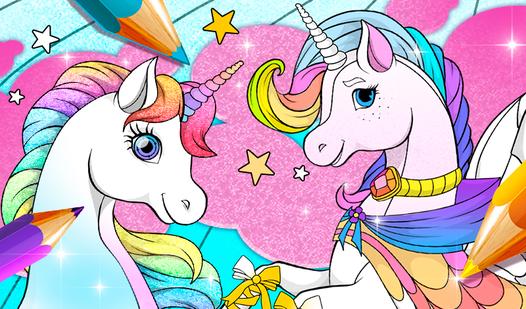
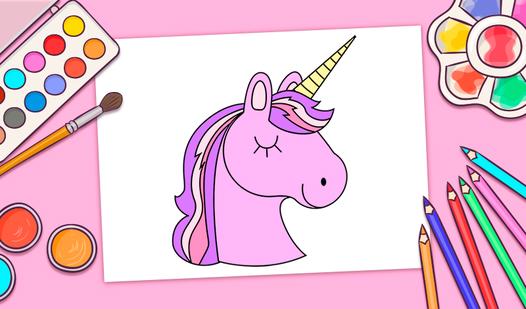
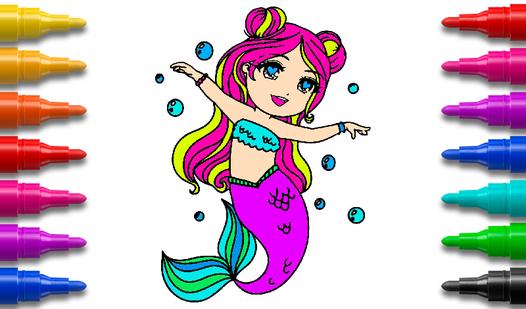
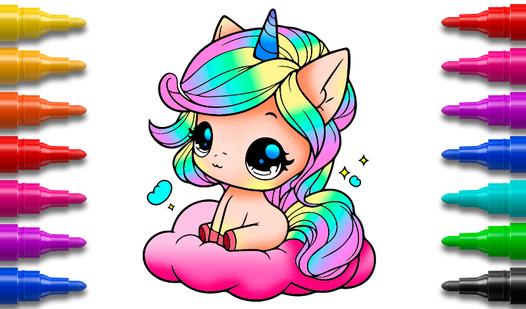
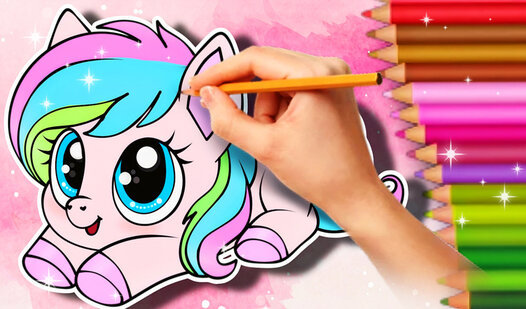
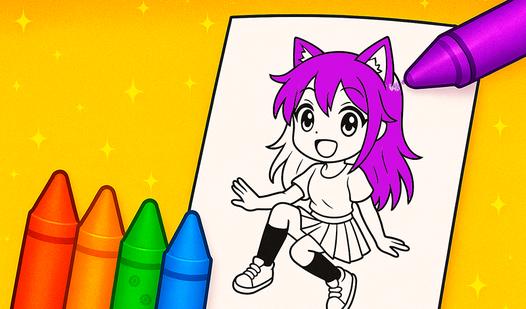
Magic Unicorn Colorbook is a cozy kids’ coloring game where magical unicorns come to life. Pick a page, choose colors, and turn clean black outlines into bright artwork. Use smart tap-to-fill, plus pencil and brush for details—color stays inside the shape instead of spilling over the lines. Zoom in for tiny parts, pan the canvas, undo mistakes, and come back anytime to continue. Color horns, manes, clouds, and stars, build a gallery of completed pictures, and enjoy the “finished!” moment when the page is fully colored.
How to Play
Pick a color: tap a swatch in the palette or open the advanced picker (RGB).
Tools:
1. Fill: click/tap inside a shape to fill it with color.
2. Brush: press and drag for smooth strokes.
3. Pencil: press and drag for thin lines and details.
Move & zoom: drag to pan the canvas; mouse wheel or pinch gesture to zoom in/out.
Undo/Redo: use buttons or Ctrl+Z / Ctrl+Y.
Clear: “Clear area” resets the selected shape; “Reset page” starts the page over.
Finish: color all required areas to complete the picture and see the completion message.