GridFlow: Pipe Quest - Pipe Connect Puzzle Game
About the Game
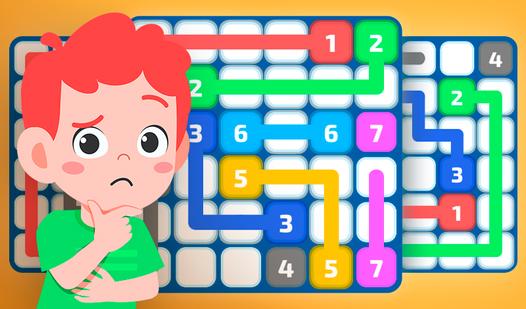
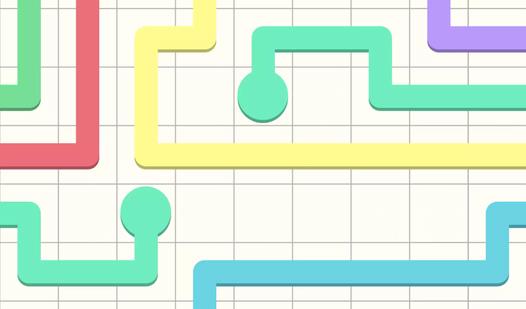
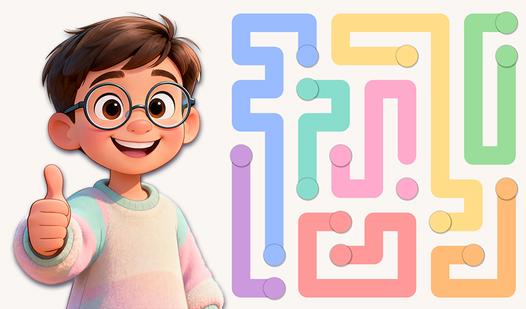
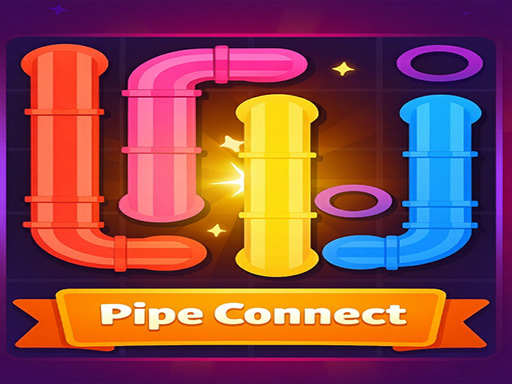
The game consists of several puzzles: each puzzle consists of a square grid with dots occupying a part of the grid. The goal of the game is to fill the entire grid with pipes by drawing "pipes" between the same dots. However, the pipes cannot intersect. The difficulty of the game depends on the size of the grid, which can range from 5x5 to 14x14. The game contains hundreds of free levels, ranging from easy and casual to challenging and exciting levels. This puzzle game is the best mental exercise game, you can solve the puzzles in a very short time.
Game Mechanics
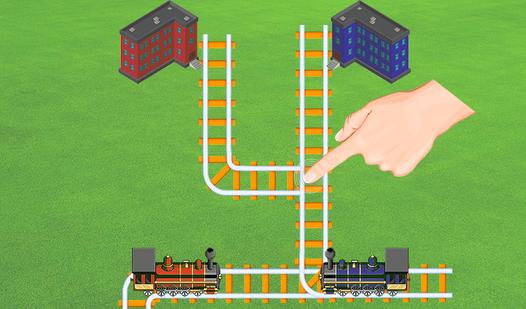
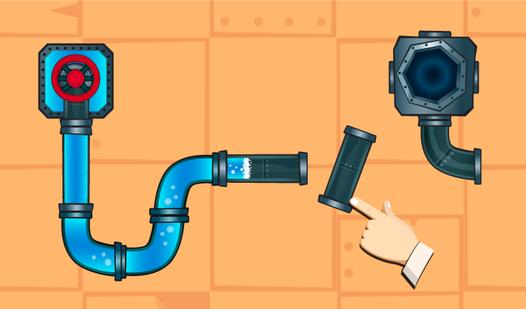
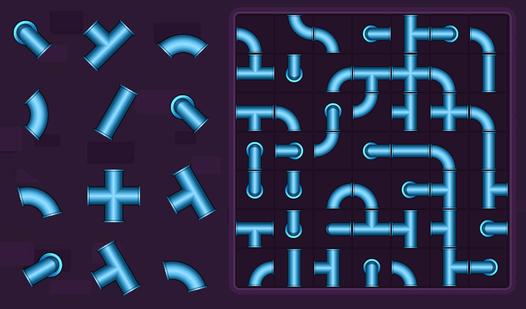
A Pipe Connect Puzzle is a logic‑based spatial mechanic where you arrange or rotate interlocking pipe segments on a grid to create a continuous, unbroken path from a starting point to an end point — often a water source to a drain, or an inlet to an outlet. Each tile displays a pipe shape: straight, curved, T‑junction, or cross. You must rotate each piece into the correct orientation so that all adjacent pipes connect properly. No open ends should remain unless they are the designated start or goal. Some variations require connecting multiple start‑end pairs simultaneously, or covering the entire grid without leaks. Core difficulty comes from limited moves (in rotation‑based puzzles), time pressure, or increasing grid sizes with more complex intersections. Many versions include obstacles (blocked cells, fixed pre‑placed pipes) and special tiles like valves, pumps, or color‑coded lines that must stay separate. Unlike action games, Pipe Connect rewards visual scanning, forward planning, and systematic trial‑and‑error — undoing wrong rotations is often essential. The satisfaction comes from watching water, electricity, or flow successfully travel from start to finish. Perfect for players who enjoy calm, methodical brain challenges, pattern matching, and the click of perfectly aligned pieces.