Geometry Dash: Super Editor - One-Tap Auto-Runner Game
About the Game
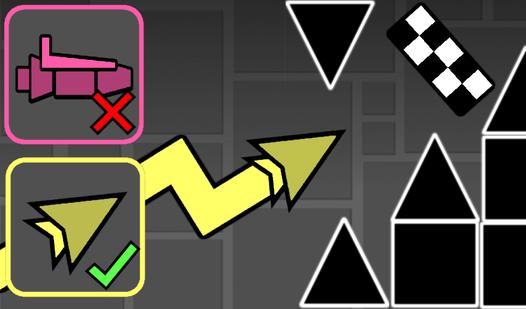
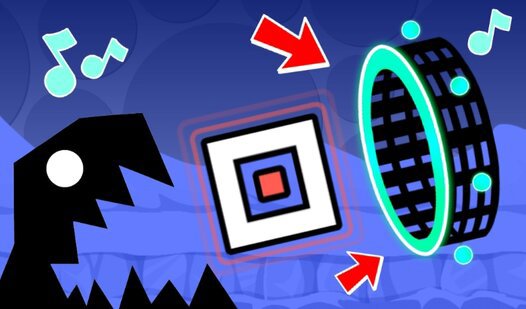
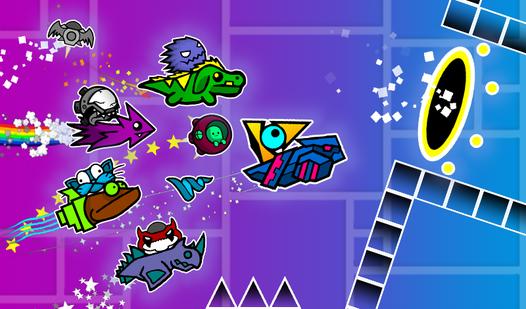
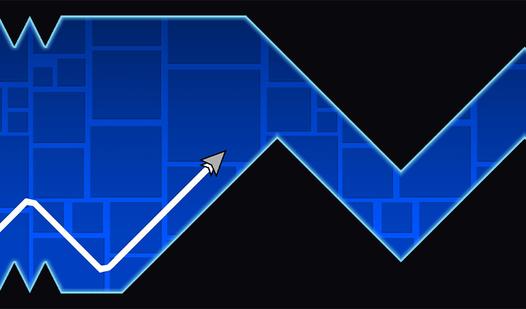
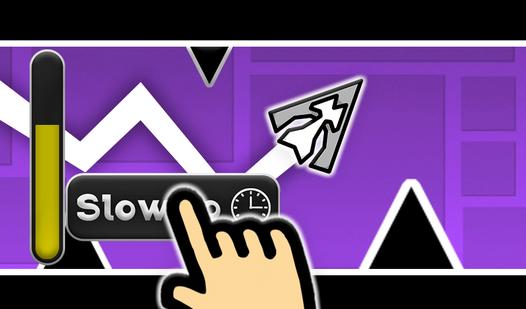
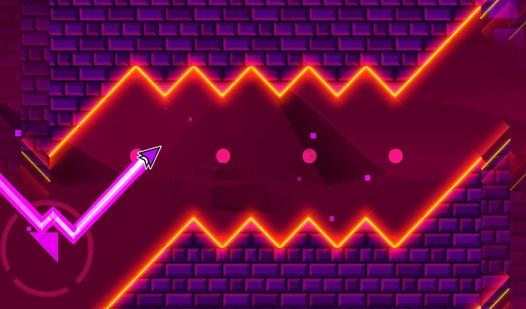
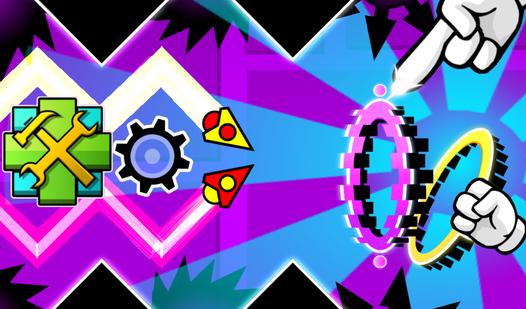
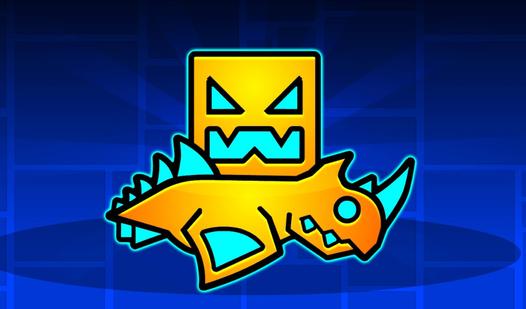
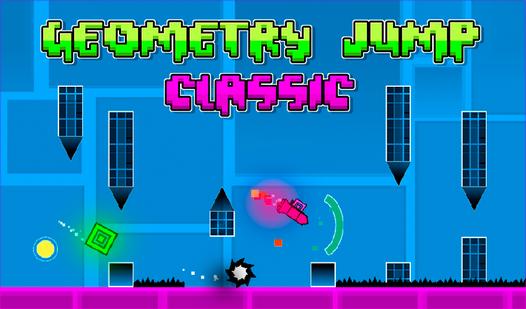
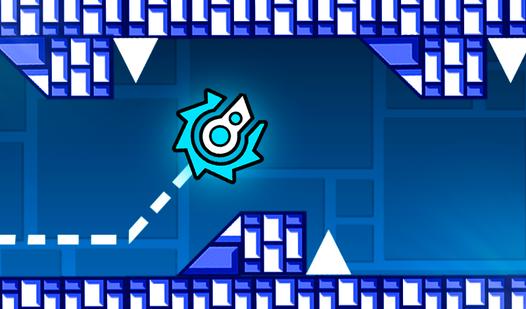
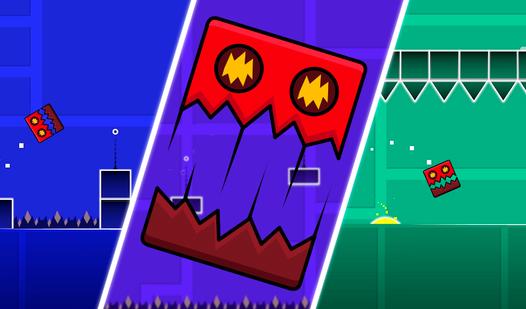
A powerful level editor that offers endless scope for imagination. The game has: - Six characters: cube, ship, ball, UFO, wave, spider. - The possibility to choose a skin and customize the color for each character. - Blocks, spikes, sawblades. - Portals to change the character and gravity. - Platforms to change the speed. - Jump pads and jump orbs. - Select the starting character, speed and gravity. - Customize the background, music and level length. - Built-in levels to complete. Combine, experiment and build your own unique level! Create a masterpiece, share with your friends and challenge them!
Game Mechanics
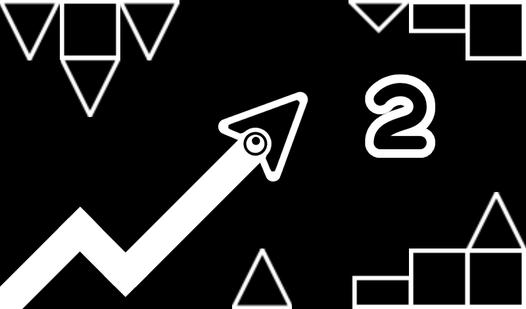
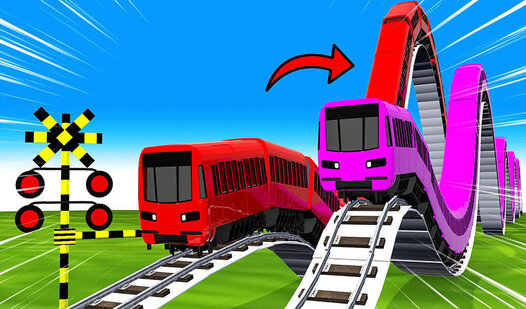
In a One-Tap Auto-Runner, players are challenged by relentless forward momentum in a fast-paced, auto-scrolling environment. Because the game handles all forward movement automatically, the core gameplay loop focuses entirely on twitch reflexes, pattern memorization, and pixel-perfect timing. Using simple one-tap or swipe mechanics, you must guide your character through an endless gauntlet of hazards. The mechanics frequently adapt to different styles of movement: you might be timing precise jumps over spikes in a 2D platformer, repeatedly tapping to manage gravity and flap through narrow gaps, or rapidly swiping to switch lanes and dodge oncoming trains in a 3D obstacle course. Whether you are navigating an intricate, rhythm-based level or surviving a progressively accelerating endless mode, success in this highly addictive genre demands intense focus, rapid spatial awareness, and flawless execution to achieve the ultimate high score