Funny World Online - Free Web Game
About the Game
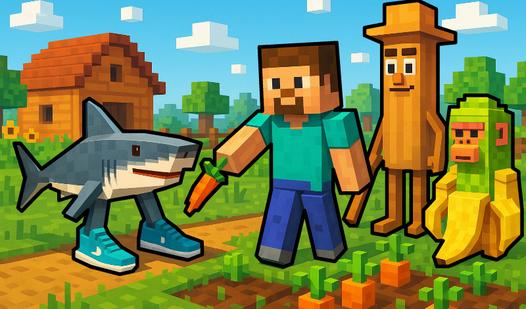
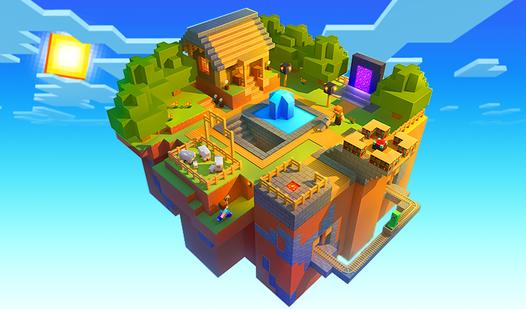
Enter the game "Funny World Online" with an open world where you can build your base, ride animals, fight monsters and other players. Explore the world, complete quests, level up, buy a variety of weapons and clothes. Participate in events and get rewards. Find and open chests. Trade items, save money and buy epic things! Create clans and invite friends!
How to Play
You can play on your phone and on your computer. You can play as different characters, a girl and a boy. Each character has their own weapons and clothes.
Use different weapons and tools to interact with objects in different ways.
Select an object or item in your inventory, click the "Info" button, a window will appear with a description and a hint on how to interact with the object.
Click on other objects and items in this window to see their description.
On the phone you can:
- use a virtual joystick to control the hero
- click on a place to make the hero move there
- click on objects to interact with them
On the computer you can:
- left-click on objects to interact with them
- left-click on a position to move there
- right-click on the hero to make the hero move there
You can enable autofarm in the game so that actions are repeated.
There is a chat in the game. If you have any questions about the game, you can ask other players how to play.