Exit the Backrooms: Level 2 - Survival Adventure Game
About the Game
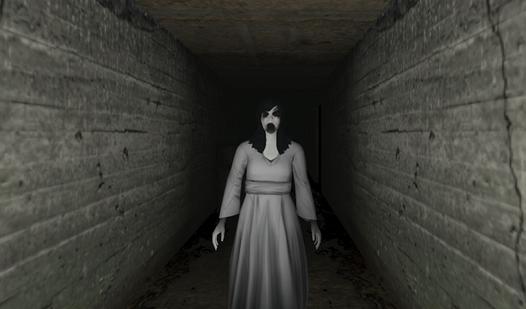
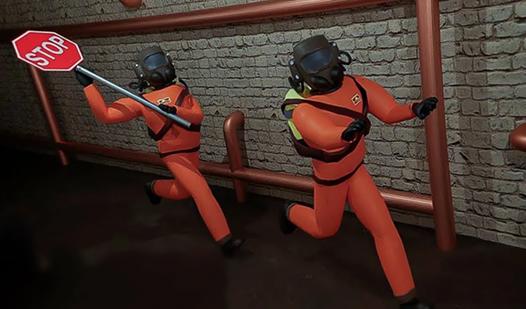
Welcome to "Exit the Backrooms: Level 2"! In this game you will have to explore Level 2 of the Backrooms to activate all the levers and escape! But you are not alone here - several entities live on this dangerous level: 1) Big Smiling - patrols the map, looking for lost wanderers. 2) Swarm of Smiling - live in pipes, if the light blinks - it is better to hide! 3) Statue - a very fast entity, but freezes when you look at it. Luckily, a portable entity scanner, almond water, lockers, and hermetic gates that can be locked to save yourself will help you escape. The game offers you: - Realistic graphics, as well as a unique atmosphere with VHS camera effect; - A large map with many zones; - Several game modes - "Classic", "Don't Blink", "Practice" and "Hardcore"; - Thoughtful audio design and unique soundtrack; - As many as 3 entities with different behavior and strategy; - A variety of unique mechanics; - Many secrets; ...and much more!
Game Mechanics
In a Survival Adventure, players are thrust into a highly atmospheric and immersive world where every decision matters. Unlike traditional action games, the core mechanics of this genre focus heavily on resource management, environmental exploration, and psychological tension. As a player, you must carefully monitor vital survival metrics—such as hunger, temperature, stamina, or sanity—while navigating unforgiving environmental hazards. Gameplay relies on strategic scavenging, puzzle-solving, and strict inventory management rather than direct combat. Whether you are gathering materials to craft life-saving gear or using stealth mechanics to hide from lurking threats, this genre challenges your critical thinking and risk assessment. Surviving these harsh conditions requires understanding your surroundings, conserving limited supplies, and knowing when to run and hide rather than fight.