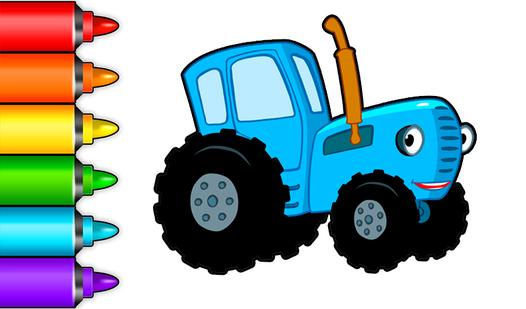
Drawing: Diamond Mosaic - Coloring and Drawing Game
About the Game
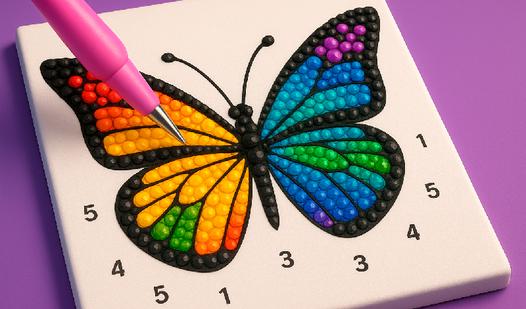
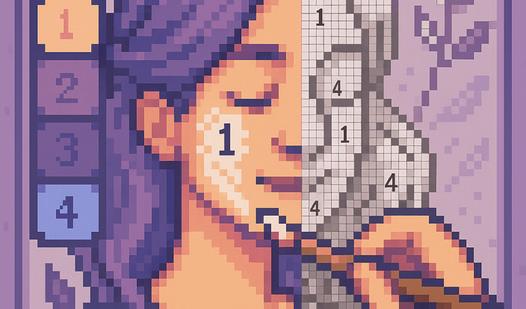
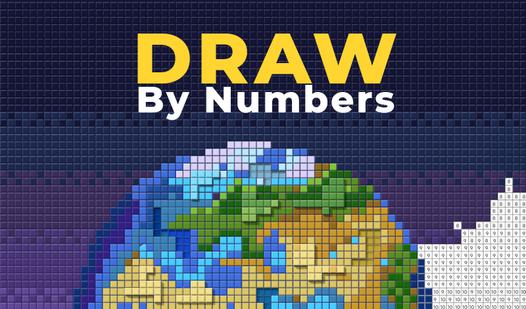
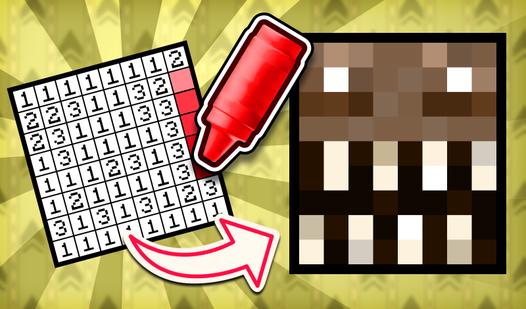
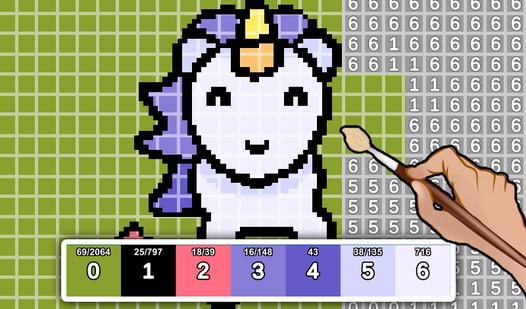
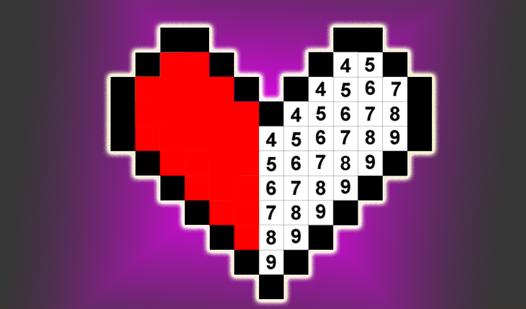
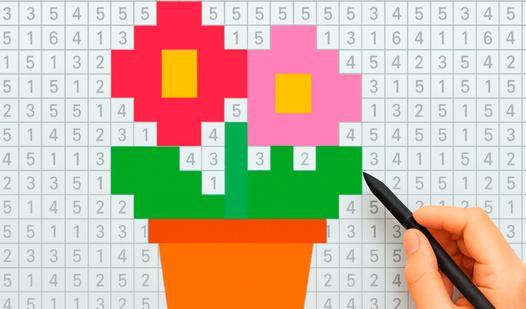
🎨 Welcome to the world of glitter and creativity! Dive into the relaxing experience of diamond painting by numbers – the perfect way to unwind and express yourself. 💎 Game Features: • Huge collection of dazzling artworks to color • Easy and fun number-based coloring • New levels and pictures added daily • Stunning sparkle effects – just like real diamonds • Save and share your creations with friends • Suitable for all ages 🖌️ Simply choose a picture, zoom in, tap the right number – and watch your masterpiece come to life! Every tap brings more color, more shine, and more joy. ✨ Perfect for stress relief, mindfulness, and creative fun. 📅 Weekly updates – new diamond artworks are always waiting for you!
Game Mechanics
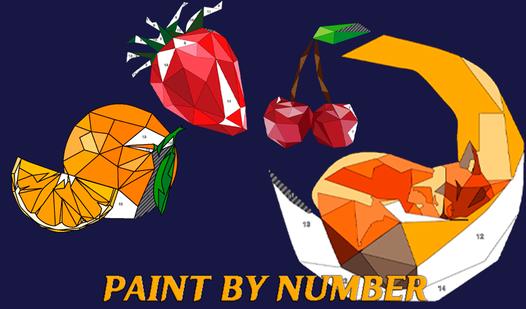
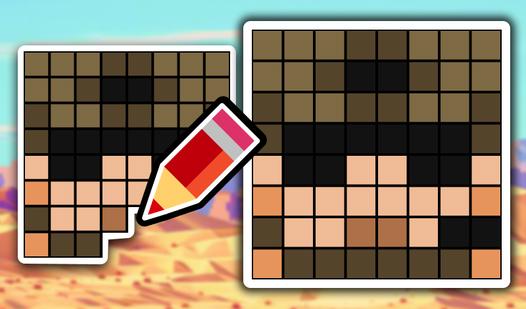
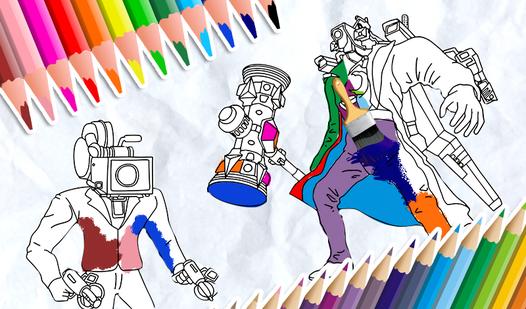
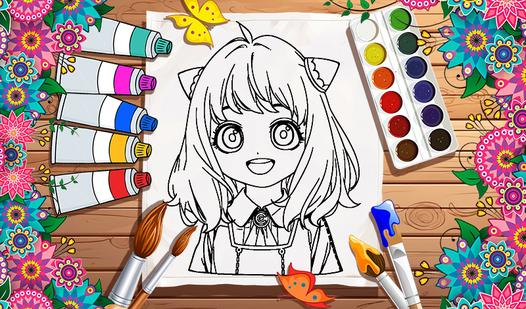
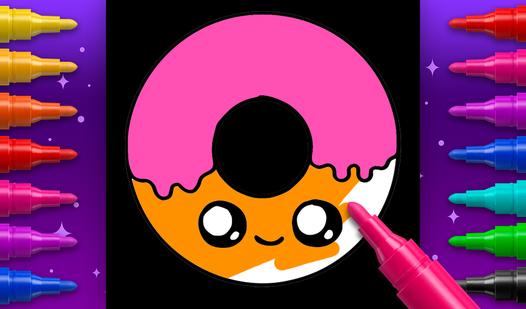
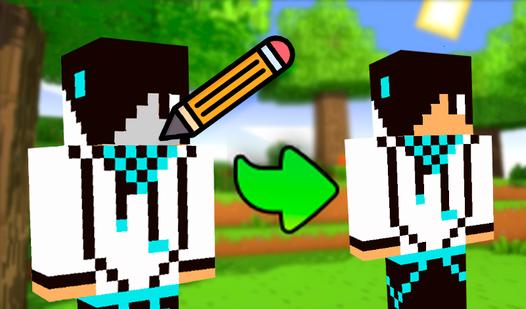
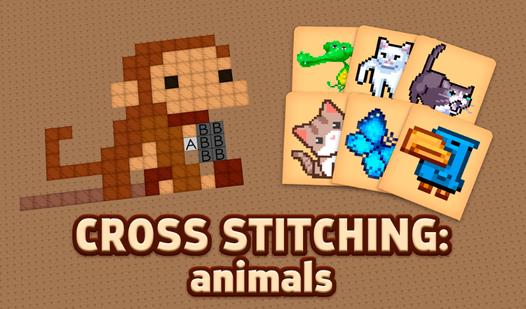
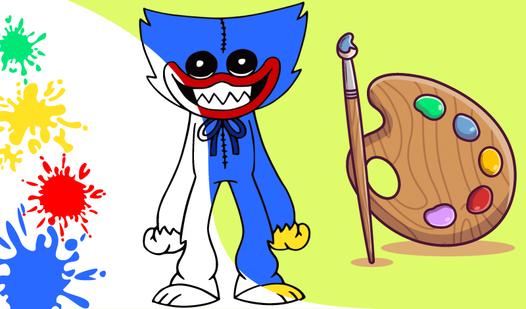
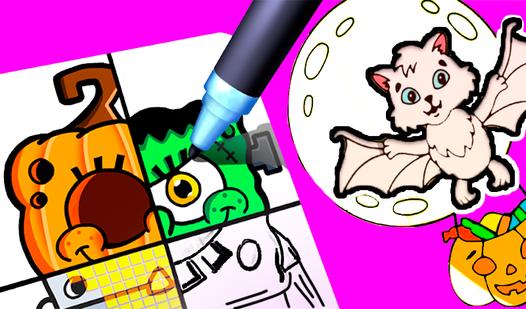
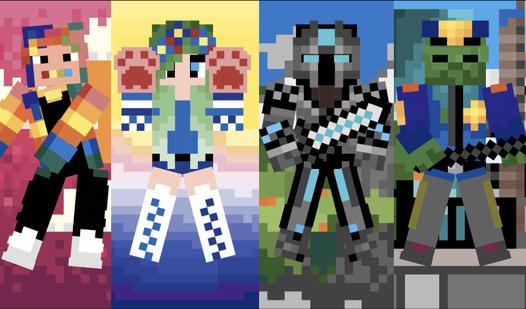
In a Coloring and Drawing game, players step into a relaxing, creative sandbox designed to engage their artistic expression and visual coordination. The core gameplay loop revolves around interacting with a digital canvas, utilizing an array of virtual art tools—such as paint buckets, precise brushes, and vibrant color palettes—to bring monochromatic images to life. The mechanics frequently adapt to various subgenres: paint-by-number and pixel art challenges require sharp attention to detail and accurate color-matching to fill strictly designated grids, while freehand drawing modes offer unrestricted freedom to sketch, trace, and shade original designs. Whether you are carefully panning and zooming to perfect the minute details of a complex mandala or casually unwinding with a therapeutic digital coloring book, success in this stress-relieving genre is measured by your creativity, color theory, and patience in completing stunning visual masterpieces.