Cut the Digital Circus: The Amazing Clicker - Ragdoll Dismount Game
About the Game
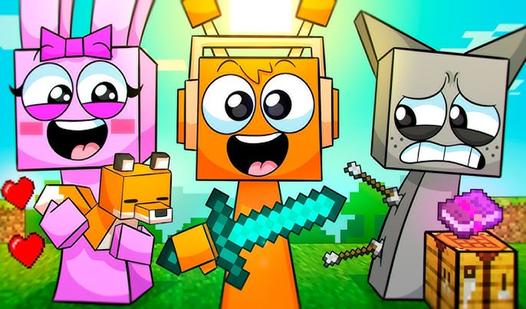
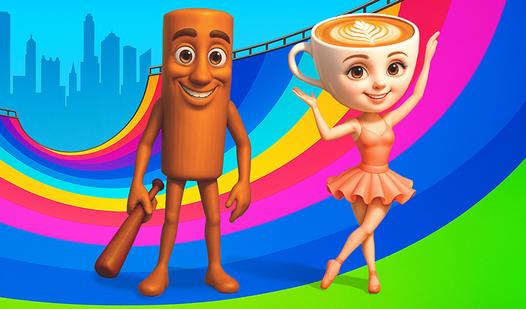
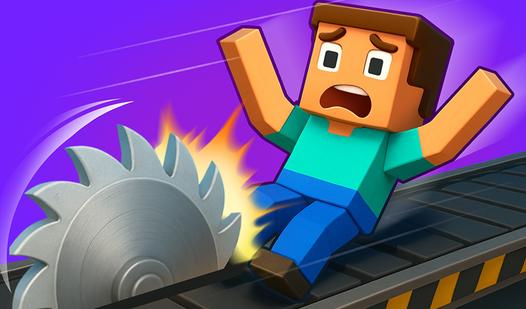
The game has one goal - Cut the characters of the digital circus. Cut, chop, shred everyone as you want! No limits! The game is waiting for you: - Easy controls - Many characters of the amazing digital circus (Pomni, Jax, Gangle, Zooble, Caine, Kinger, Bubble, Ragatha, Kaufmo). - Addictive and enjoyable gameplay - Beautiful graphics and visuals - Lots of bright and colourful effects - Mechanics of slowing down and stopping time
Game Mechanics
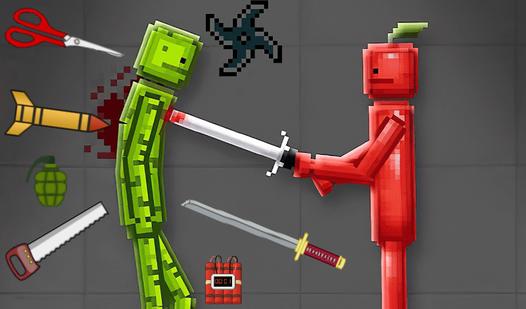
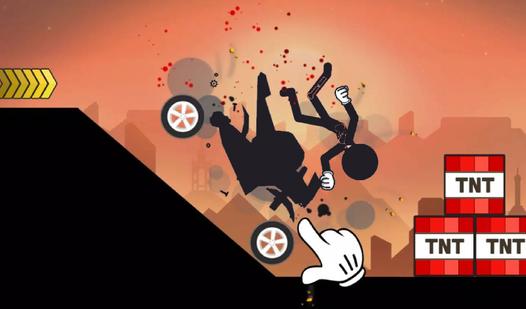
In a Ragdoll Dismount game, players experience a hilariously chaotic physics-based crash simulator where the primary objective is to inflict maximum damage on a highly flexible digital dummy. The core gameplay loop revolves around kinetic energy, gravity, and manipulating real-time ragdoll physics rather than traditional character survival. As a player, you must strategically select your dummy's starting pose, equip them with various vehicles—ranging from shopping carts to sports cars—and perfectly time your launch power meter to maximize impact velocity. Once launched, you relinquish control as the stickman tumbles down massive staircases, collides with environmental hazards, and triggers explosive chain reactions. Success in this satisfyingly destructive sandbox genre is determined by a bone-breaking damage score; the more fractures, flips, and devastating impacts you generate, the more in-game currency you earn to unlock deadlier obstacle courses, massive ramps, and extreme vehicle loadouts