Corridor 9 3D - Puzzle Game
About the Game
"Corridor 9 3D" is an exciting game with easy controls, in which every step of the player is of great importance. You have to explore mysterious corridors in which incredible anomalies are hidden. Your task is to find them all and make the right decision: go forward or retreat back. Each choice can lead you to the beginning or to the ending. Are you ready to face the mysteries and secrets hidden inside the dark corridors of the mysterious hotel?
Game Mechanics
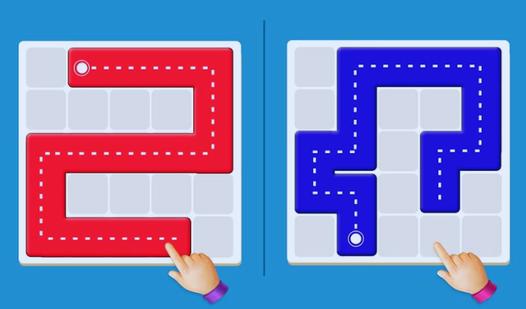
In a Puzzle Game, players are challenged to engage their critical thinking and cognitive skills to overcome increasingly complex brain-teasers. The core gameplay loop revolves around pattern recognition, spatial awareness, and strategic problem-solving rather than fast-paced reflexes. As a player, you must carefully analyze the board, manipulate interactive elements, and use logical deduction to uncover the correct sequence or layout required to progress. Whether you are navigating intricate grids, matching color-coded objects, or deciphering physics-based riddles, each new level introduces evolving rule sets and unique environmental obstacles. Success in this highly rewarding genre demands patience, deep analytical thinking, and a mastery of the game's core mechanics to ultimately unlock the final solution.