Corners - Free Web Game
About the Game
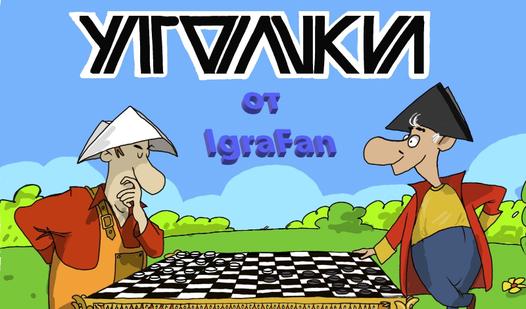
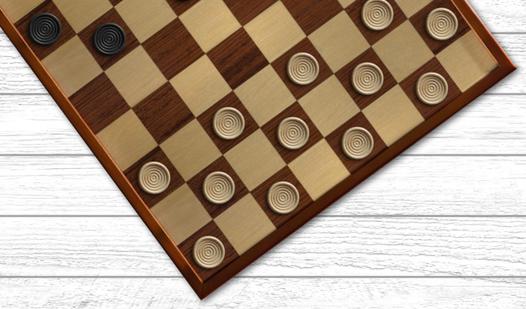
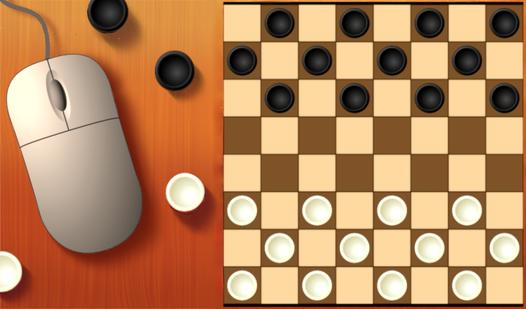
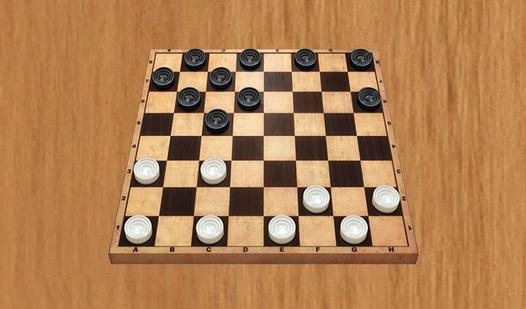
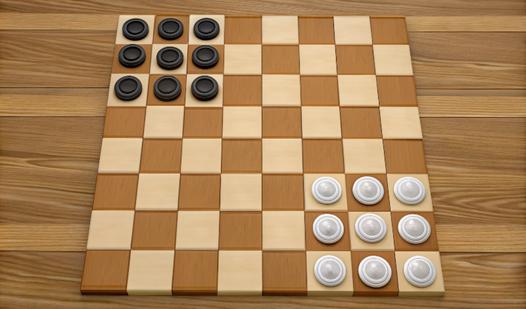
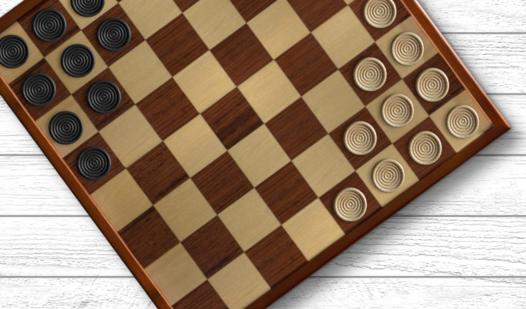
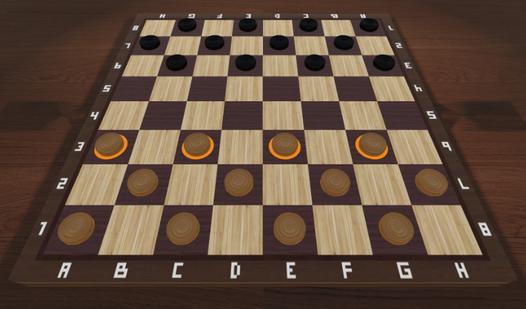
Goal is to take the checkers to the opposite corner, ahead of a computer. To move click on a checker, and then an end point in the chain of movements. There are two variants of the game: with corners of 9 (3x3) and 12 (4x3) checkers.
How to Play
Point is to take the opposite corner, ahead of a computer. Both sides have the same number of moves. If the player occupies the opposite corner, and on the next move the computer does the same, the game ends in a draw. To make a move, you need to click on a checker, and then on an endpoint in the chain of movements. At any time you can start the game again by clicking on "Restart?" (appears after the first move). "Sound" is turning off at the bottom left. There you can also choose the game type: 3x3 (corners of 9 checkers) or 4x3 (12 checkers). At very beginning of a game, before a first move, you can choose the other side by clicking on the arrows icon (between a moves counters, under the caption "Corners").