Anime Blade - First Person RPG Combat Game
About the Game
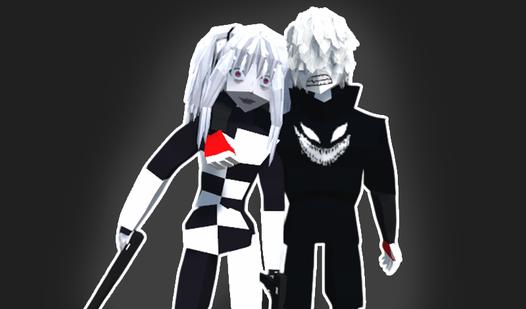
If you like Anime and katana fighting, then you definitely should play this game! There are many images of anime girls waiting for you, for whom you can play and fight with them. A large selection of weapons in the game! Different missions and game modes!
Game Mechanics
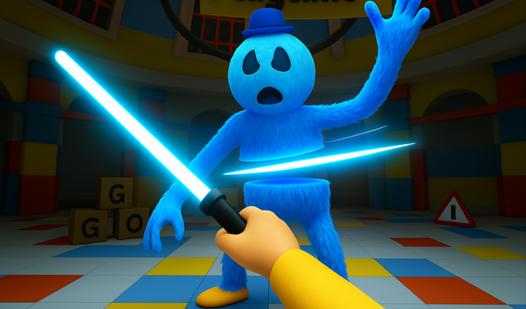
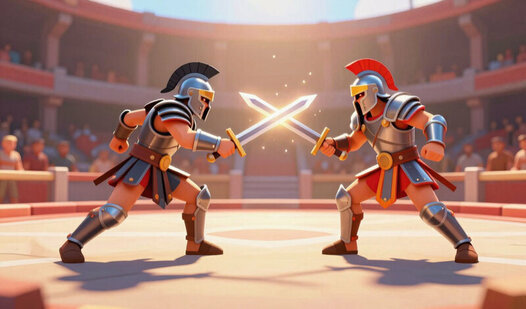
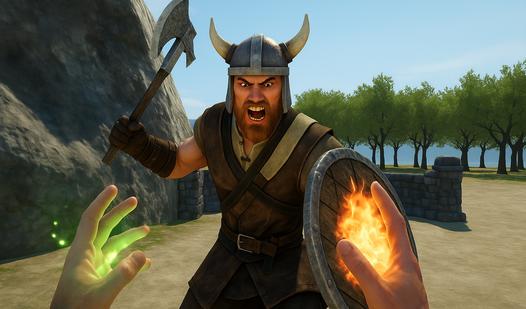
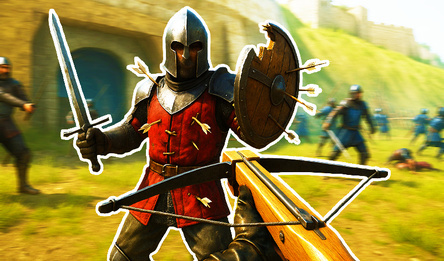
RPG Combat is a real‑time or real‑time‑with‑pause battle system where you control a character using weapons, spells, or abilities against enemies. The camera can be first‑person (viewed through the character's eyes, emphasizing immersion) or third‑person (viewed from behind or above, showing your character on screen). Both perspectives share the same core mechanics: weapon types matter, stats determine effectiveness, and player skill (timing, positioning, resource management) influences outcomes. Weapons include one‑handed swords (fast, often paired with shields), two‑handed axes and hammers (slow but heavy damage), daggers (quick backstabs for stealth builds), bows and crossbows (ranged, requiring aiming or lock‑on), and magical staves or spellbooks (casting fireballs, heals, or buffs). Each weapon has its own attack animations, stamina costs, reach, and damage type (slashing, piercing, blunt, elemental). Combat involves blocking, dodging, parrying, power attacks, and managing health, mana, and stamina pools. Many RPGs feature skill trees that unlock special moves for each weapon type — like a spinning sword slash or a charged bow shot. Enemy design often encourages weapon swapping: armored foes resist slashing but fear blunt weapons; flying enemies are vulnerable to ranged or magic. Unlike pure action games, RPG combat also tracks equipment weight, durability, enchantments, and stat requirements (strength for greatswords, agility for bows). Whether seen through your own eyes or watching your character on screen, RPG Combat rewards strategic equipment choice, resource management, and mastering each weapon's unique behavior.