+1 Fat per Second! Eat and Fat! - Obby Game
About the Game
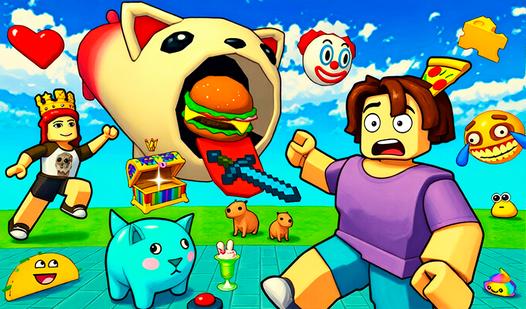
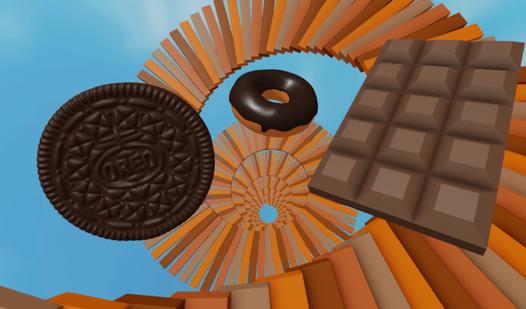
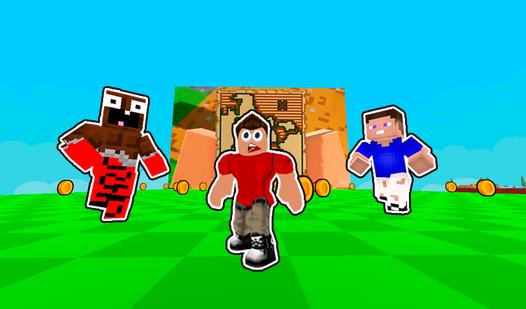
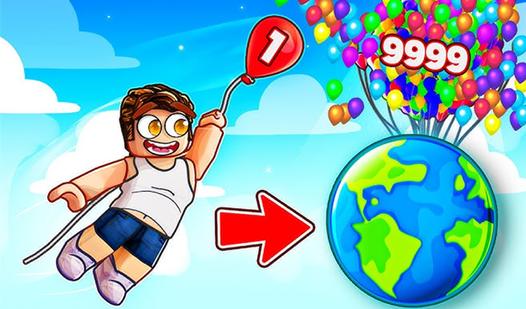
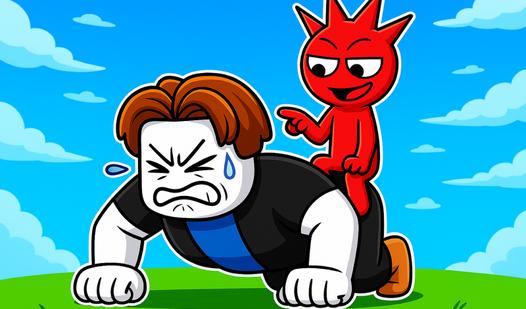
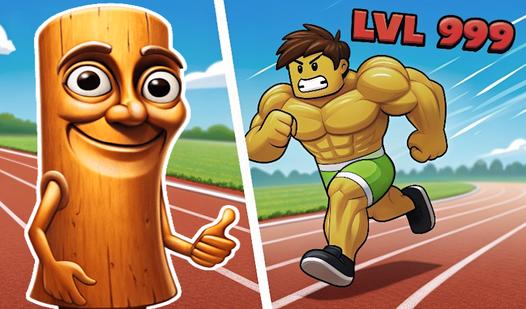
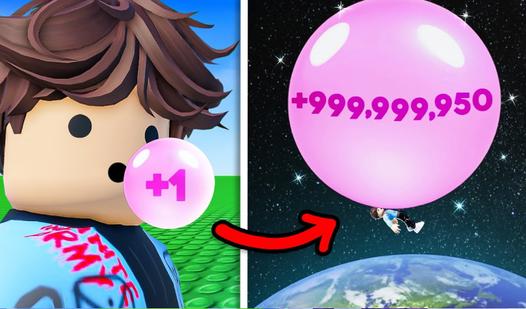
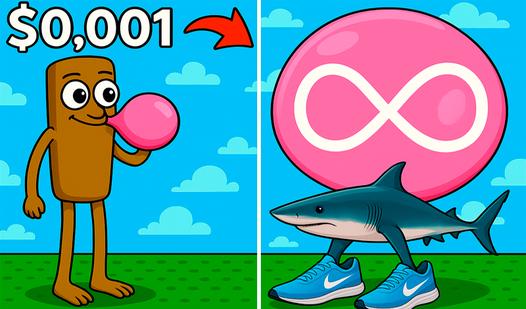
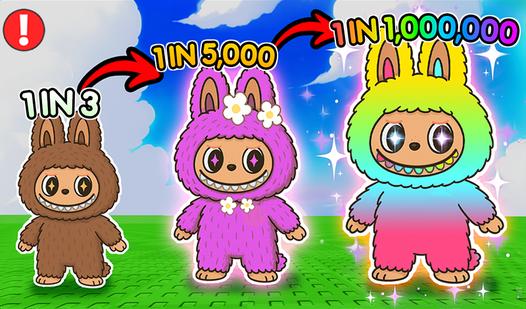
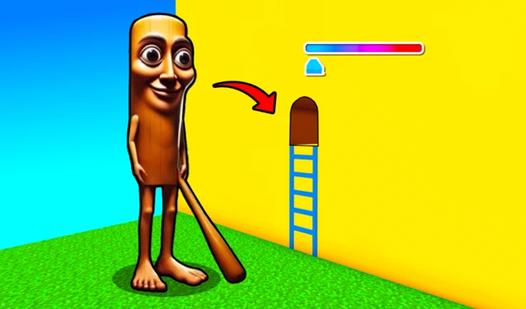
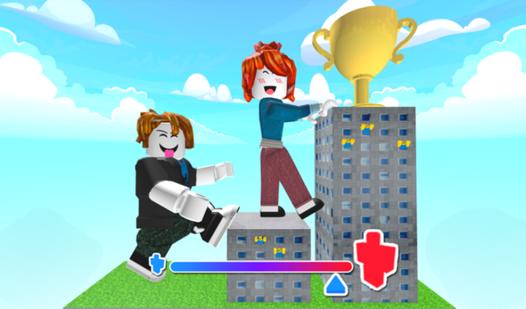
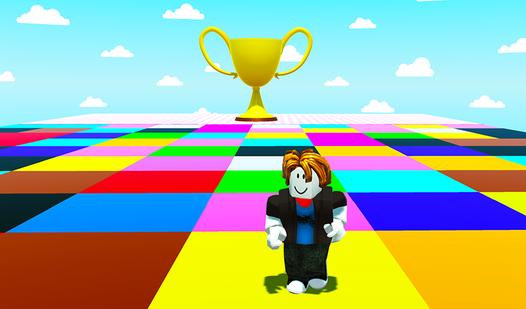
Welcome to an exciting world where you can eat tons of food! Start your journey as a skinny character ready to conquer the world, but to do so he needs to gain some fat. The gameplay begins with eating food that is scattered throughout the level. The more your character eats, the fatter he becomes. Increase your fat per second and become a real “giant”. However, your character must go through various trials. These challenges are fun challenges where you lose fat and earn trophies. Use these cups to purchase various pets that not only add a unique flavor to the gameplay, but also provide fat bonuses. This is not just a game, but an exciting world where the balance between eating and challenging is the key to success. Are you ready to make your character the greatest hero in this exciting world? Start your adventure now!
Game Mechanics
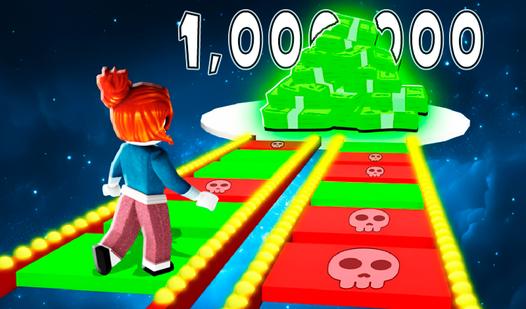
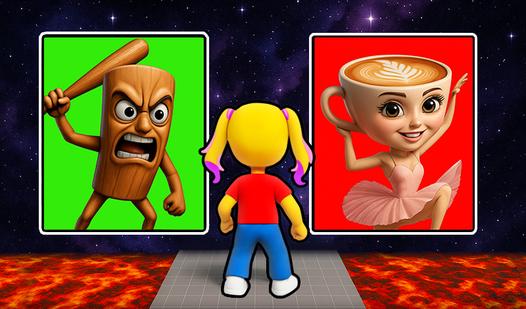
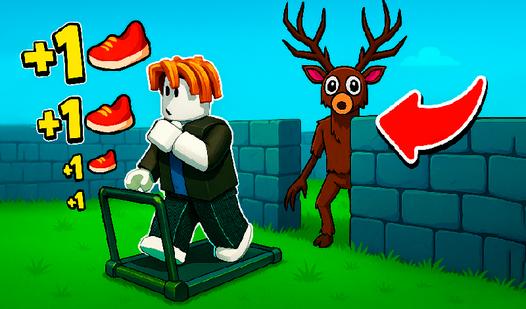
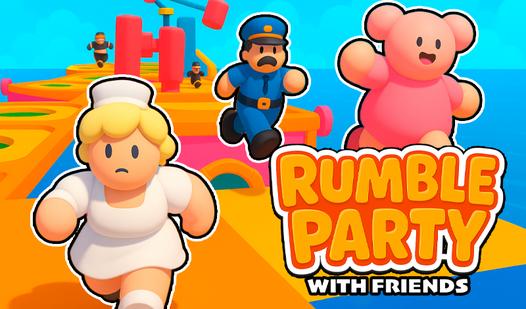
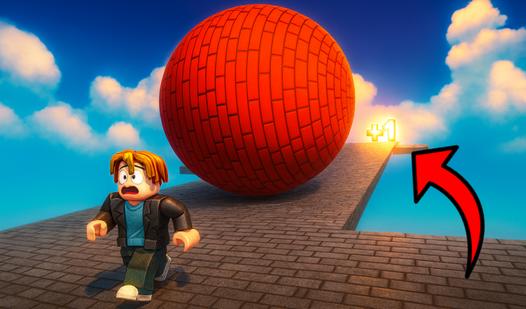
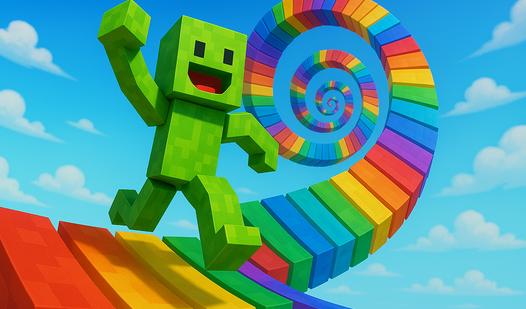
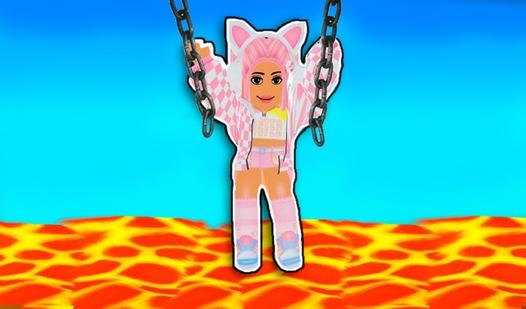
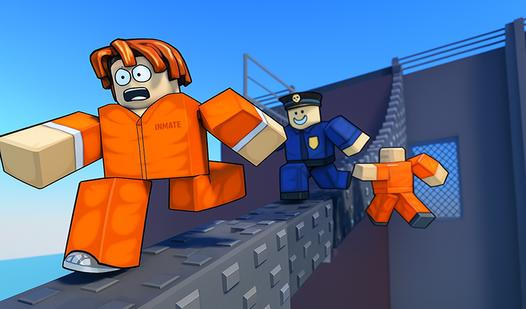
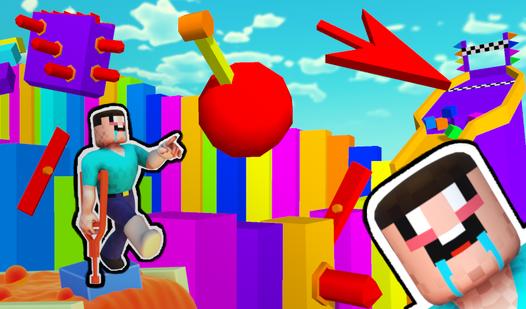
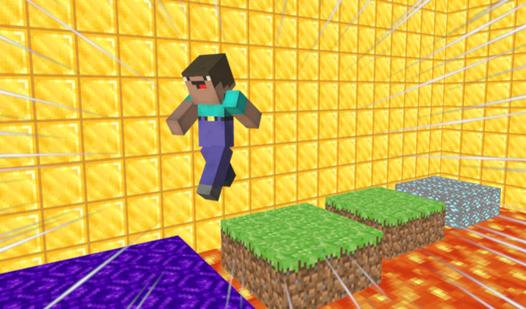
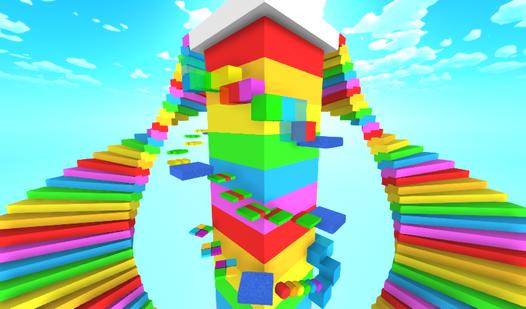
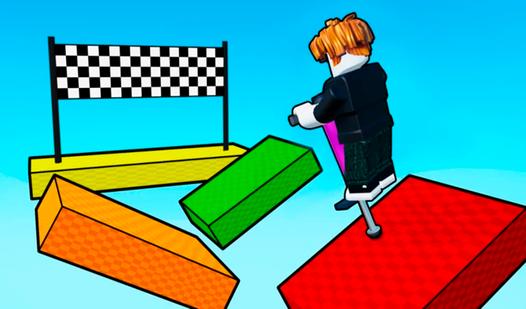
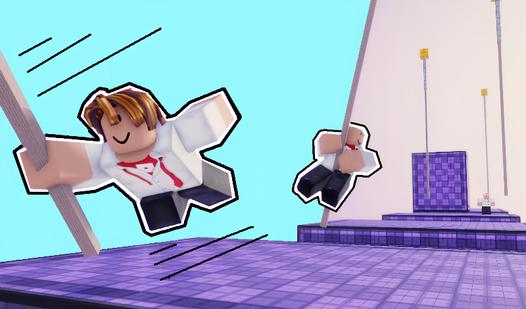
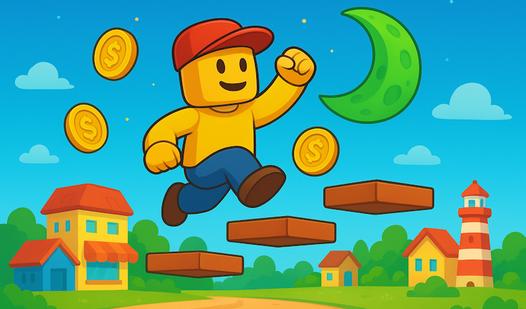
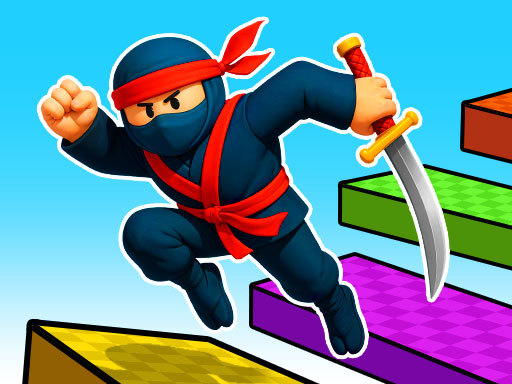
In an Obby (short for Obstacle Course) game, players test their parkour skills and reflexes by navigating through a series of increasingly difficult 3D platforms and treacherous hazards. The core gameplay loop revolves entirely around precision platforming, spatial awareness, and perfect timing to safely reach the next spawn checkpoint. As a player, you must master mid-air momentum and strict camera control to avoid deadly environmental traps like glowing lava floors, disappearing blocks, and sweeping lasers. Because one wrong step instantly resets your progress, success in an Obby relies heavily on trial and error, pattern memorization, and immense patience. Whether you are casually navigating a massive, themed obstacle course or speedrunning a complex parkour challenge, mastering your character's movement physics and jump distances is the only way to survive and reach the finish line.